2onelab

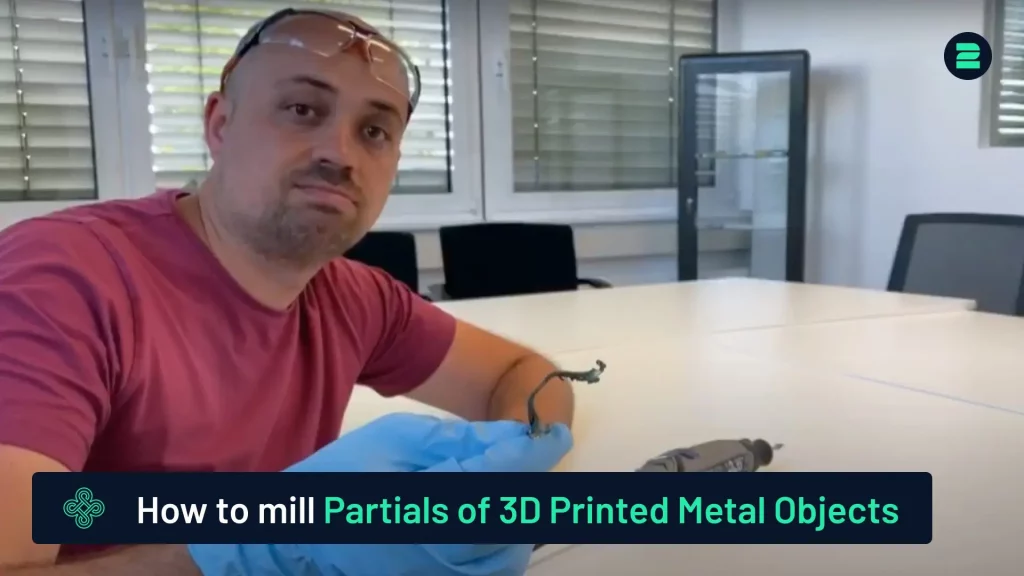
How to mill the partials of 3d printed metal objects

How to Mill Partials of 3D Printed Metal Objects

This tutorial provides a concise overview of the milling process for 3D-printed metal objects. For a detailed demonstration, please refer to our video tutorial.

You are currently viewing a placeholder content from Default. To access the actual content, click the button below. Please note that doing so will share data with third-party providers.

More Information

Steps to Mill Partials

1. Prepare the Part:


2. Remove Supports:

  • Use a milling tool to remove the remaining supports, especially around the clamps on the partial. This ensures the partial will fit properly on the plaster.


3. Polish the Surface:

  • After milling, switch to a polishing tool on the milling head. Smooth out the surface to enhance the fit and finish.


4. Finalize and Test Fit:

  • Polish all sensitive edges of the partial. Test the fit by placing the partial onto the plaster model. Verify that there are no gaps, ensuring a perfect fit.

By following these steps, you can achieve precise and professional results.

Advanced Metal 3D Printers

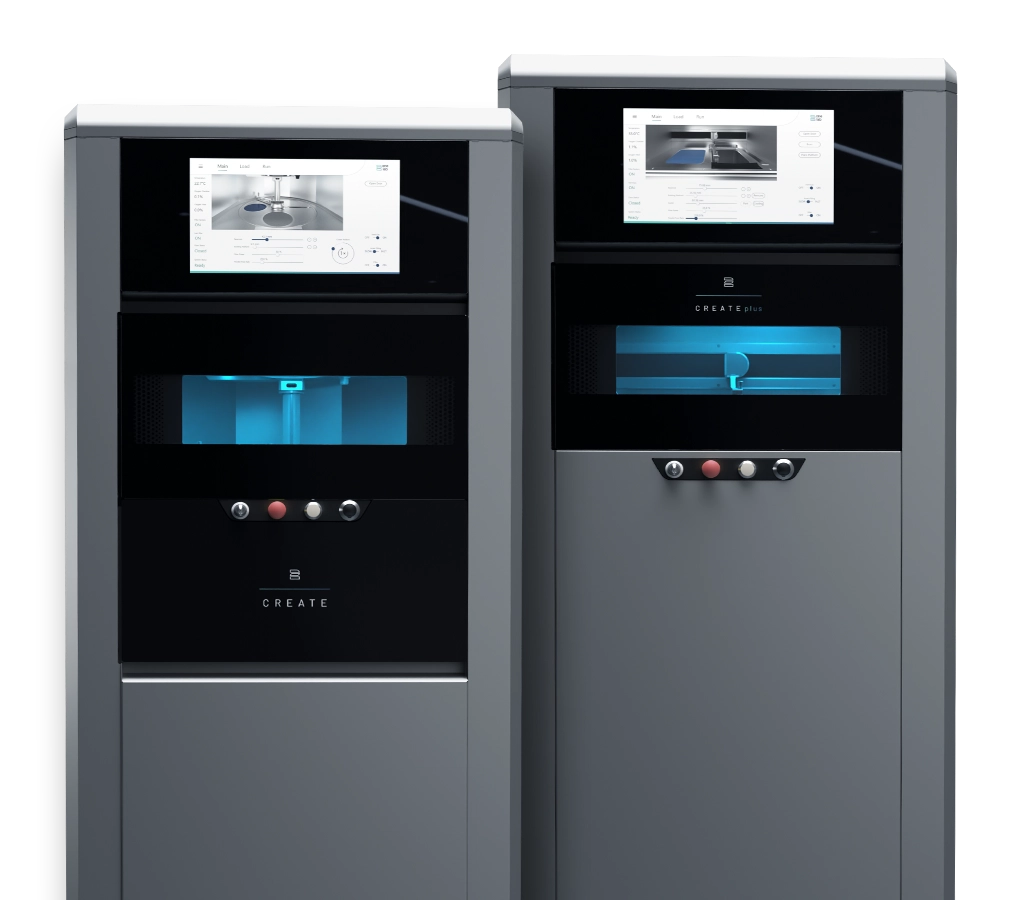
Choose 2onelab – with the 2Create/2Create Plus and 2Create Desktop metal 3D printers for dental, medical, industrial, and R&D use.

Boost quality, cut costs, and work faster – powered by cutting-edge tech and real-world expertise.

Learn More

How to Perform Heat Treatment on 3D Printed Parts

How to Remove 3D Printed Parts from the Building Platform

How to Remove Supports from 3D-Printed Parts

Picture of Markus Wolf
Markus Wolf
Passionate about 3D printing, while being CTO and Co-Founder of 2onelab.
Share This Blog Post

All Our Tutorials

How to Prepare Your 2Create 3D Metal Printer in 5 Simple Steps
Markus from 2onelab shows you how to safely and efficiently prepare your 2Create 3D metal printer.
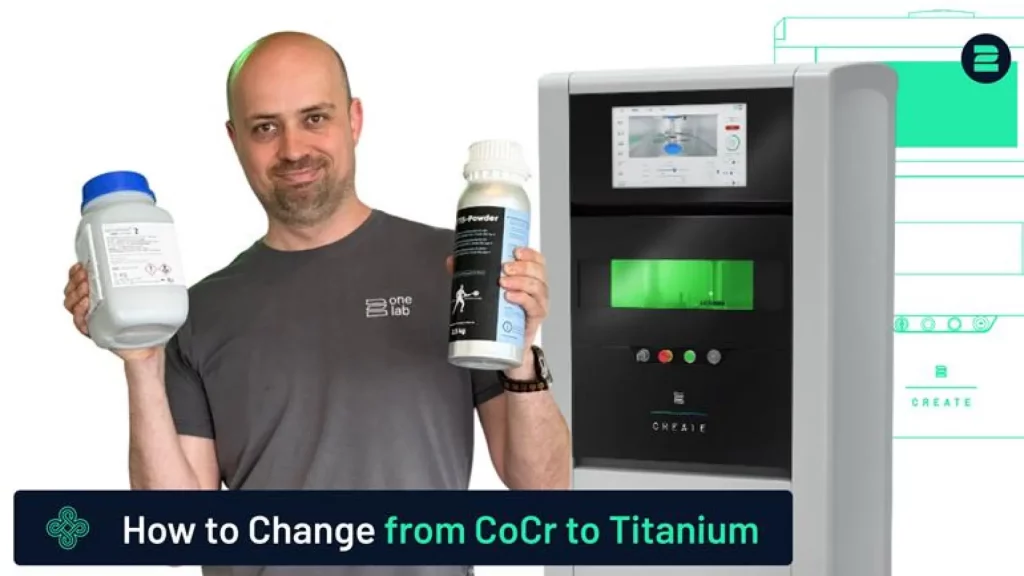
How to Switch from CoCr to Titanium for Titanium 3D Printing
This guide provides a quick and reliable method for switching your 3D printer from CoCr to Titanium.
How to Use a Nabertherm Heating Oven for Dental Parts
Discover the process of using a Nabertherm heating oven for stress relief of dental parts after 3D printing.
How to remove supports from your printed part
How to Remove Supports from 3D-Printed Parts
This tutorial provides a quick and easy method for removing supports from your 3D-printed parts.
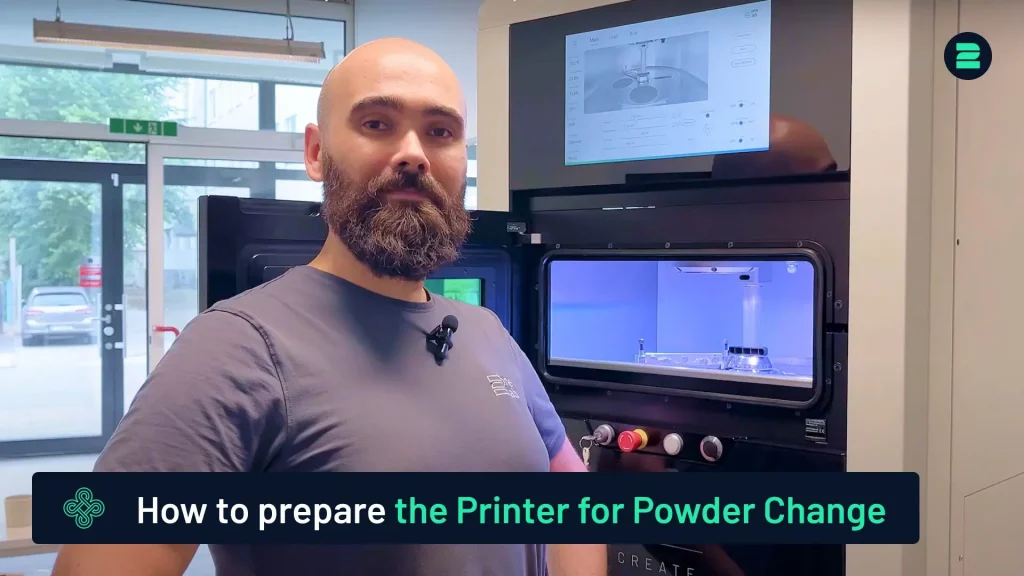
How to Prepare the 2Create for Powder Change
Learn how to prepare the 2Create Metal 3D Printer for a powder change from non-reactive to reactive materials.
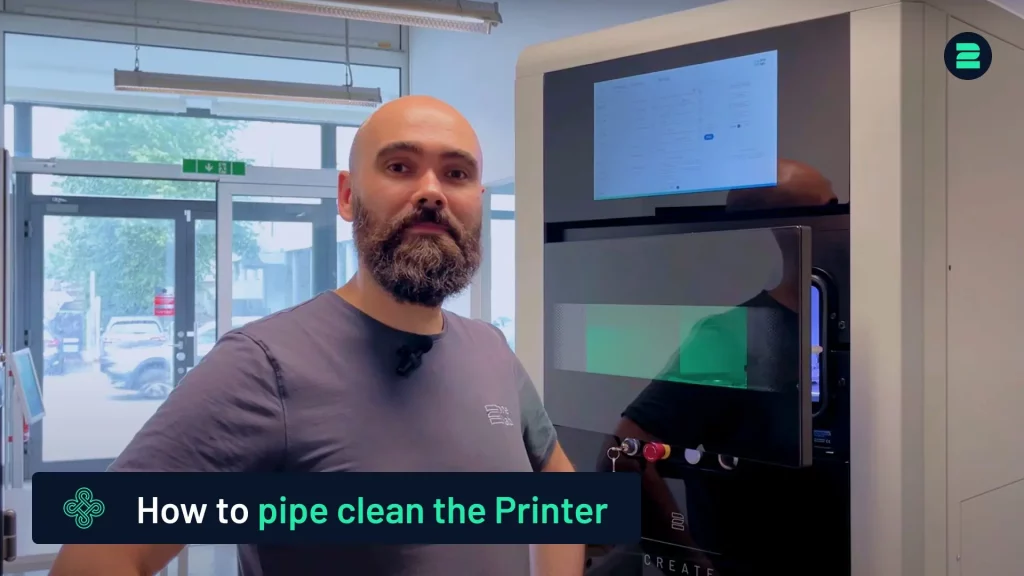
Pipe Cleaning Procedure for the 2Create
This tutorial covers the pipe cleaning process for the 2Create Metal 3D Printer, typically performed when switching from reactive to non-reactive materials or changing filters.

Metal 3D Printing Made Simple

From advanced equipment to high-performance metal 3D printers and smart software — designed to maximize productivity and quality in additive manufacturing. 

You are here