2onelab

How to Use a Nabertherm Heating Oven for Dental Parts

How to Use a Nabertherm Heating Oven for Dental Parts

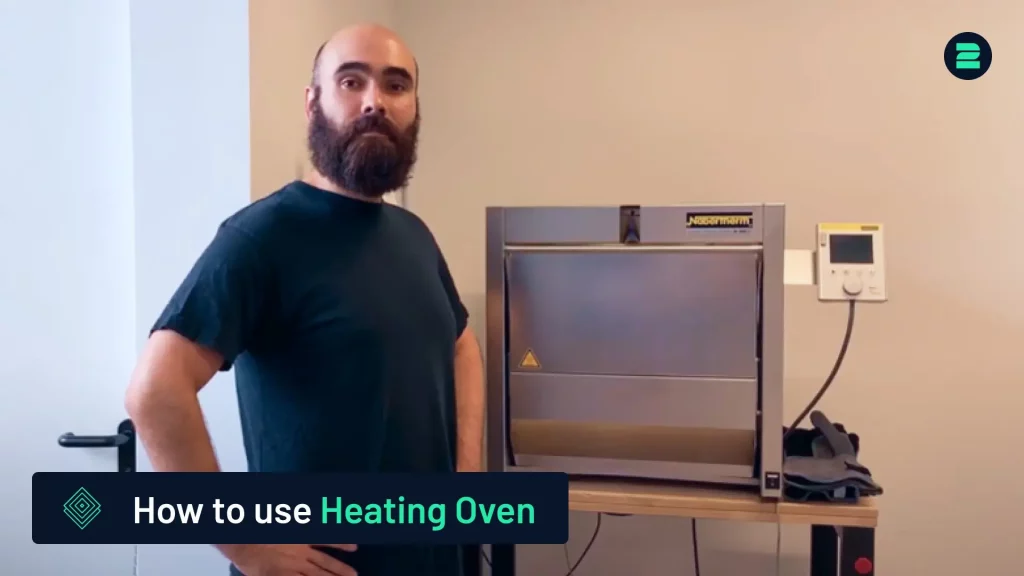
This tutorial outlines the process of using a Nabertherm heating oven for stress relief of dental parts after 3D printing. For a detailed demonstration, please refer to our video tutorial.

You are currently viewing a placeholder content from Default. To access the actual content, click the button below. Please note that doing so will share data with third-party providers.

More Information

Steps to Use the Heating Oven

1. Prepare the Parts:

  • Place the printed parts in a protective gas box with a constant flow of inert gas (argon) to prevent oxidation. Secure the lid tightly.


2. Place the Gas Box in the Oven:

  • Wear heat-protective gloves. Open the oven, place the gas box inside, and close the oven securely.


3. Activate the Oven:

  • Turn on the power and wait for the user interface (UI) to load.


4. Program the Heat Treatment:

  • Input the stress-relief parameters from the powder distributor’s data sheet (e.g., Cobalt Chromium from Scheftner) into the oven’s UI.


5. Set Up the Argon Flow:

  • Connect the gas box to an argon bottle and adjust the flow to 2–3 L per minute.


6. Start the Program:

  • Load the heat treatment program, confirm settings, and press start. The program will run automatically.

Following these steps ensures effective stress relief for dental parts.

Discover Our Heat Treatment Furnaces

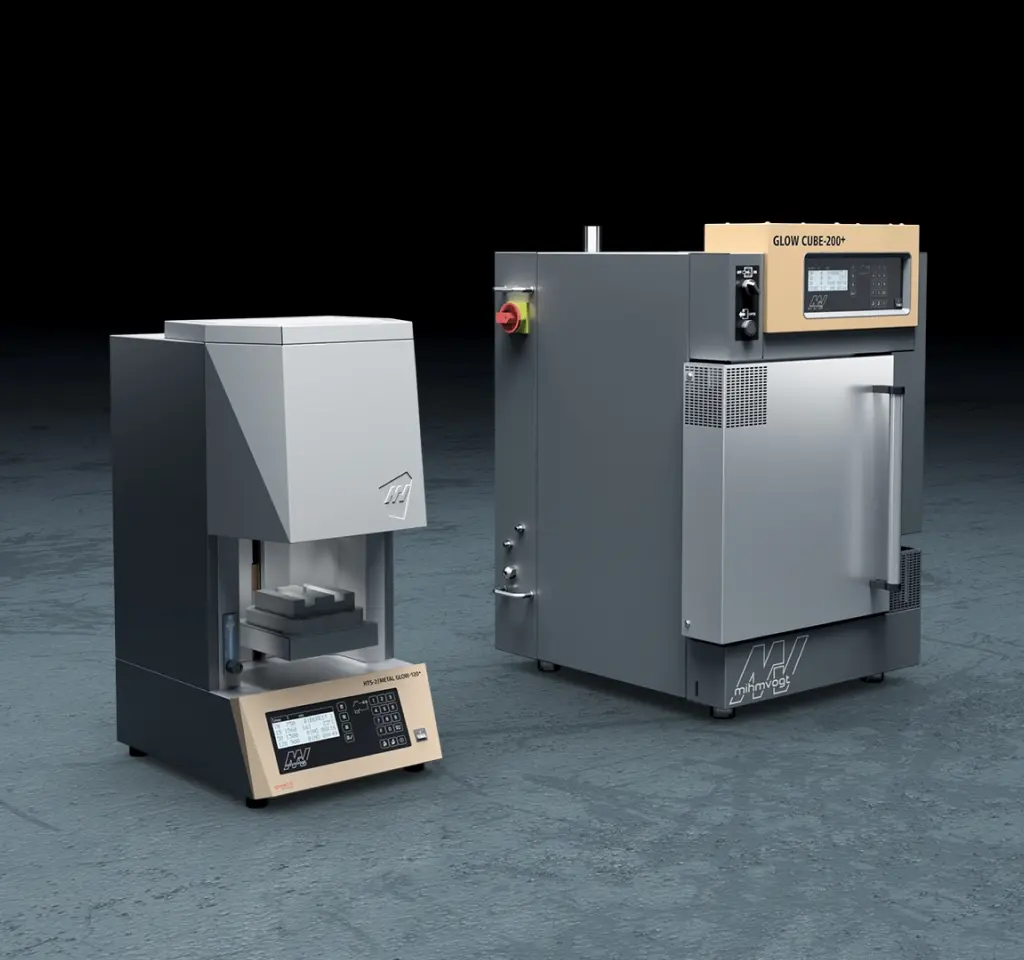
Choose 2onelab’s digital 3D printing ecosystem – with the HTS-2/Metal Glow-120+ and Glow Cube-200+.

Efficient post-processing. Powered by real-world expertise.

Learn More

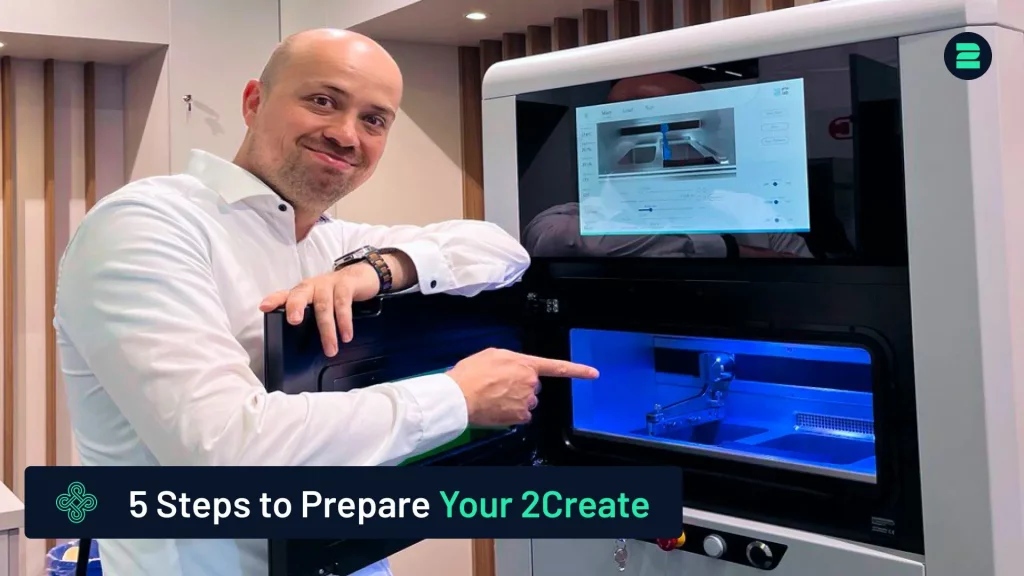
How to Prepare Your 2Create 3D Metal Printer in 5 Simple Steps

How to Recycle the Building Platform

How to Rehome the Coater - 2Create

Picture of Markus Wolf
Markus Wolf
Passionate about 3D printing, while being CTO and Co-Founder of 2onelab.
Share This Blog Post

All Our Tutorials

How to Prepare Your 2Create 3D Metal Printer in 5 Simple Steps
Markus from 2onelab shows you how to safely and efficiently prepare your 2Create 3D metal printer.
How to Switch from CoCr to Titanium for Titanium 3D Printing
This guide provides a quick and reliable method for switching your 3D printer from CoCr to Titanium.
How to Use a Nabertherm Heating Oven for Dental Parts
Discover the process of using a Nabertherm heating oven for stress relief of dental parts after 3D printing.
How to remove supports from your printed part
How to Remove Supports from 3D-Printed Parts
This tutorial provides a quick and easy method for removing supports from your 3D-printed parts.
How to Prepare the 2Create for Powder Change
Learn how to prepare the 2Create Metal 3D Printer for a powder change from non-reactive to reactive materials.
Pipe Cleaning Procedure for the 2Create
This tutorial covers the pipe cleaning process for the 2Create Metal 3D Printer, typically performed when switching from reactive to non-reactive materials or changing filters.

Metal 3D Printing Made Simple

From advanced equipment to high-performance metal 3D printers and smart software — designed to maximize productivity and quality in additive manufacturing. 

You are here