2onelab

How to Switch from CoCr to Titanium for Titanium 3D Printing

How to Switch from CoCr to Titanium for Titanium 3D Printing

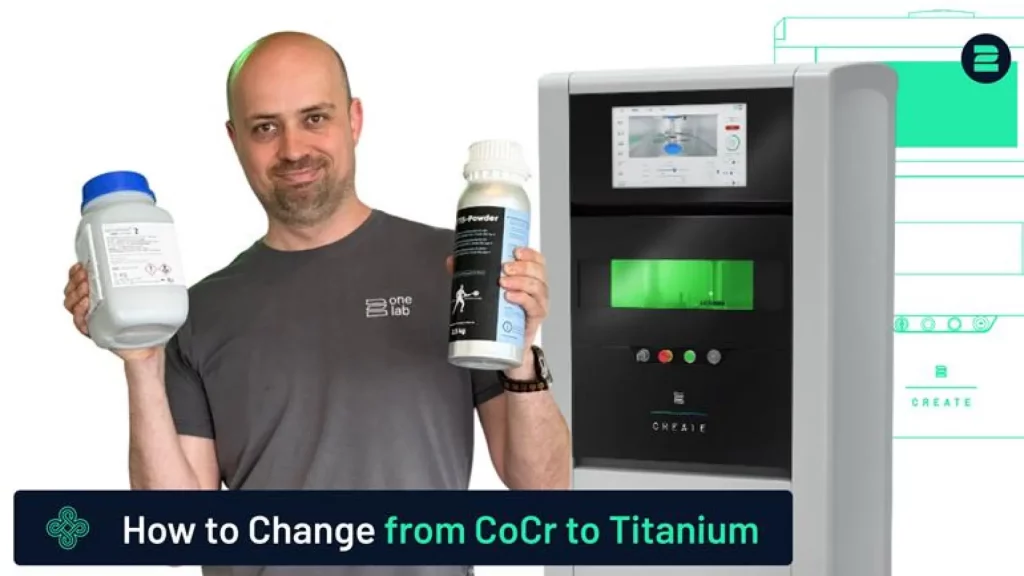
This guide provides a clear and efficient method for switching your 3D printer from CoCr to Titanium.

Titanium requires specific handling, gas atmosphere, and build platform conditions. Following these steps ensures a safe and clean material changeover, minimizing cross-contamination and ensuring print quality in titanium 3D printing.

For a full walkthrough, please refer to our video tutorial.

Sie sehen gerade einen Platzhalterinhalt von YouTube. Um auf den eigentlichen Inhalt zuzugreifen, klicken Sie auf die Schaltfläche unten. Bitte beachten Sie, dass dabei Daten an Drittanbieter weitergegeben werden.

Mehr Informationen

Steps to Switch from CoCr to Titanium

1. Remove CoCr Powder:

  • Empty the 2Create or 2Create Plus system of all CoCr powder. Clean the build chamber thoroughly using a vacuum cleaner (2Clean) and lint-free cloth.


2. Change Filters:


3. Switch Process Gas:

  • Use argon instead of nitrogen. Fill the gas supply accordingly before loading titanium powder.


4. Use the Correct Build Platform:

  • Titanium parts must be printed on a titanium build platform. Do not use stainless steel platforms.


5. Load Titanium Powder:

  • Fill the machine with titanium powder as per the system guidelines.


6. Set Process Parameters:

  • Download and apply the dedicated titanium printing parameters via the 2Connect platform.


7. Stress Relief:

By carefully following these steps, you can safely transition your 3D printer from CoCr to Titanium, ensuring optimal printing conditions and maintaining material integrity throughout the process.

Advanced Metal 3D Printers

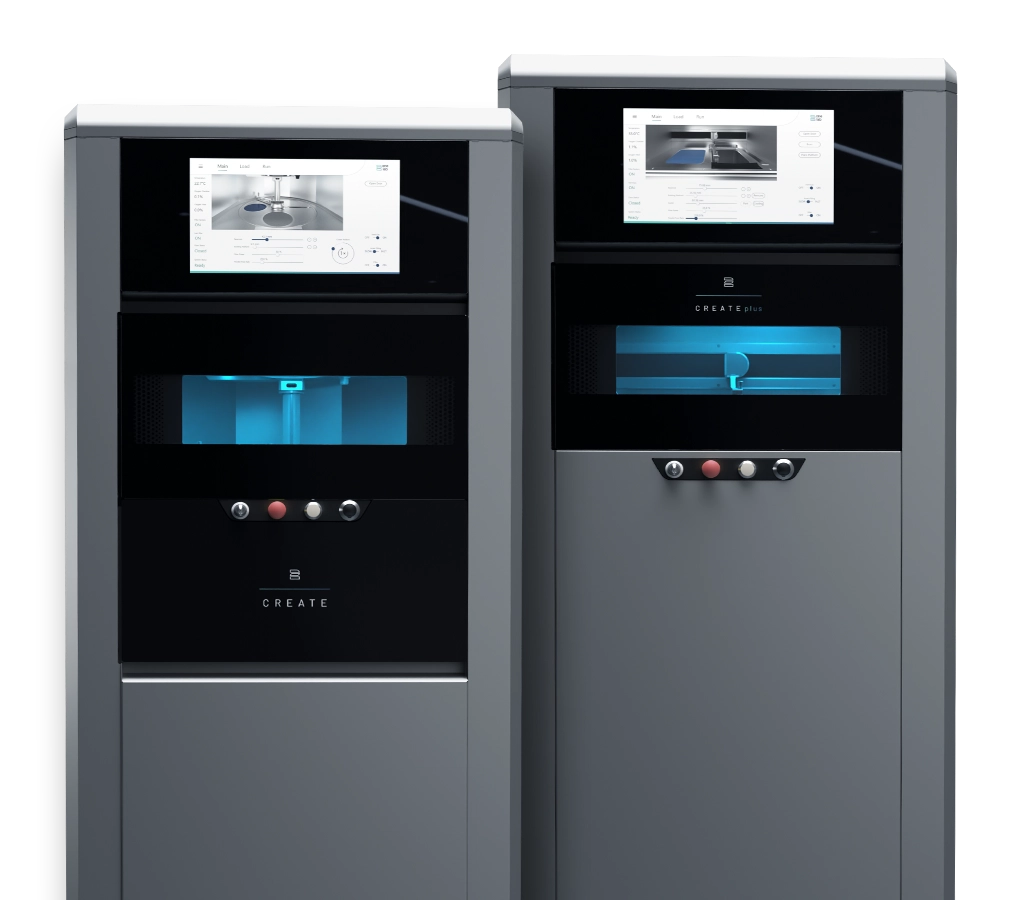
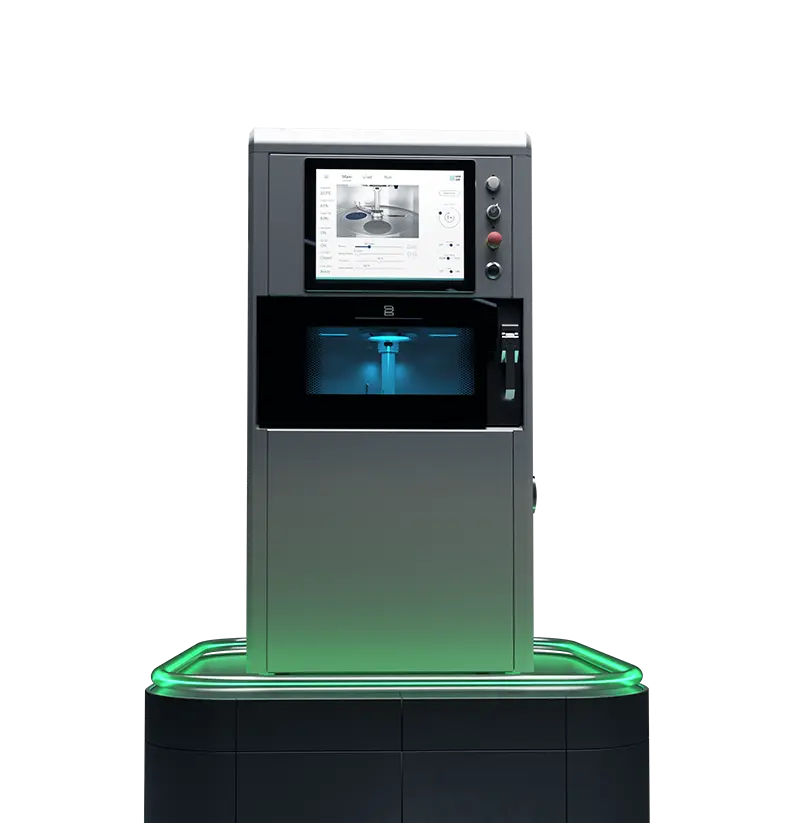
Choose 2onelab – with the 2Create/2Create Plus and 2Create Desktop metal 3D printers for dental, medical, industrial, and R&D use.

Boost quality, cut costs, and work faster – powered by cutting-edge tech and real-world expertise.

Learn More

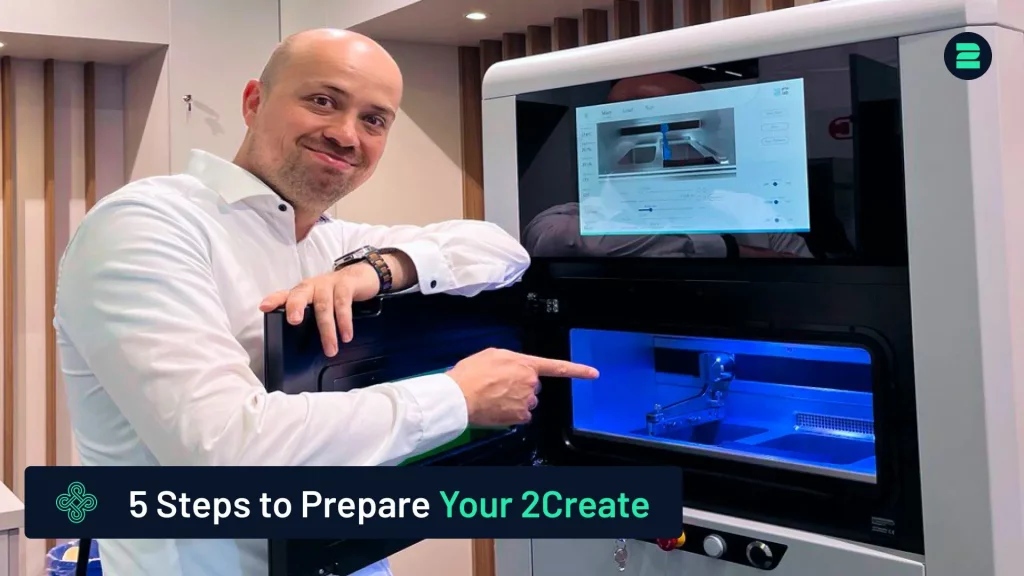
How to Prepare Your 2Create 3D Metal Printer in 5 Simple Steps

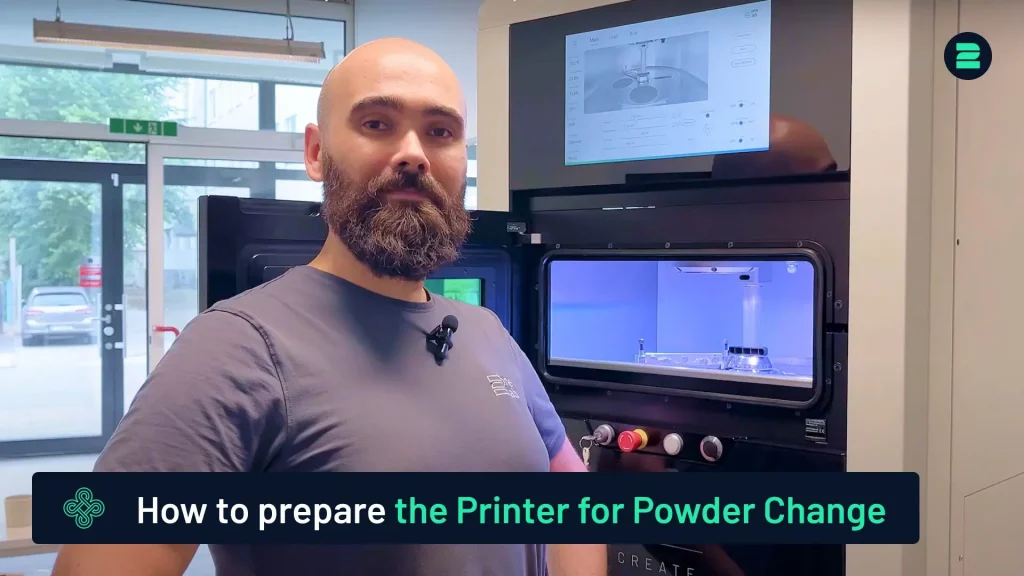
How to Prepare the 2Create for Powder Change

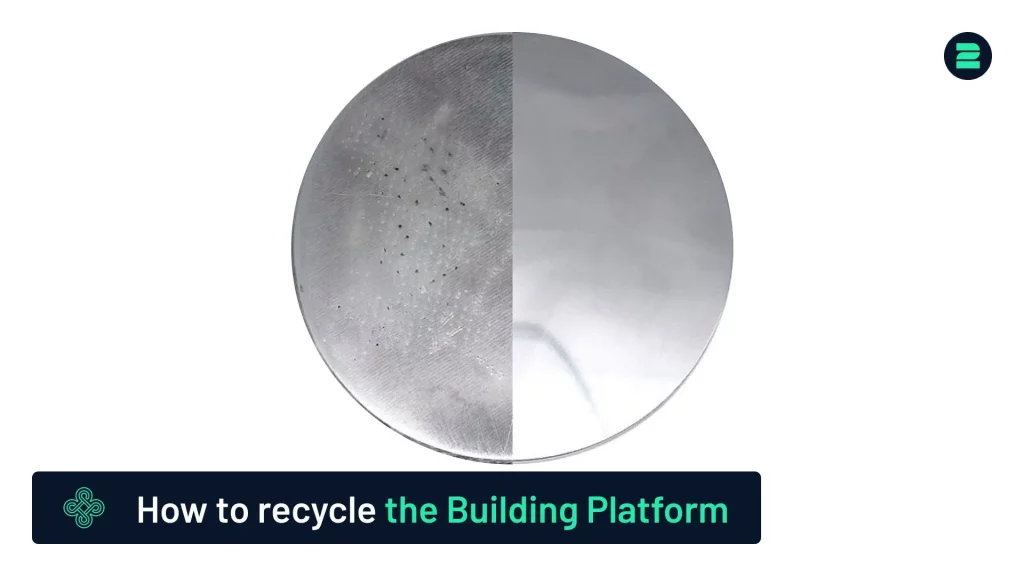
How to Recycle the Building Platform

Bild von Markus Wolf
Markus Wolf
Passionate about 3D printing, while being CTO and Co-Founder of 2onelab.
Share This Blog Post

All Our Tutorials

How to Prepare Your 2Create 3D Metal Printer in 5 Simple Steps
Markus from 2onelab shows you how to safely and efficiently prepare your 2Create 3D metal printer.
How to Switch from CoCr to Titanium for Titanium 3D Printing
This guide provides a quick and reliable method for switching your 3D printer from CoCr to Titanium.
How to Use a Nabertherm Heating Oven for Dental Parts
Discover the process of using a Nabertherm heating oven for stress relief of dental parts after 3D printing.
How to remove supports from your printed part
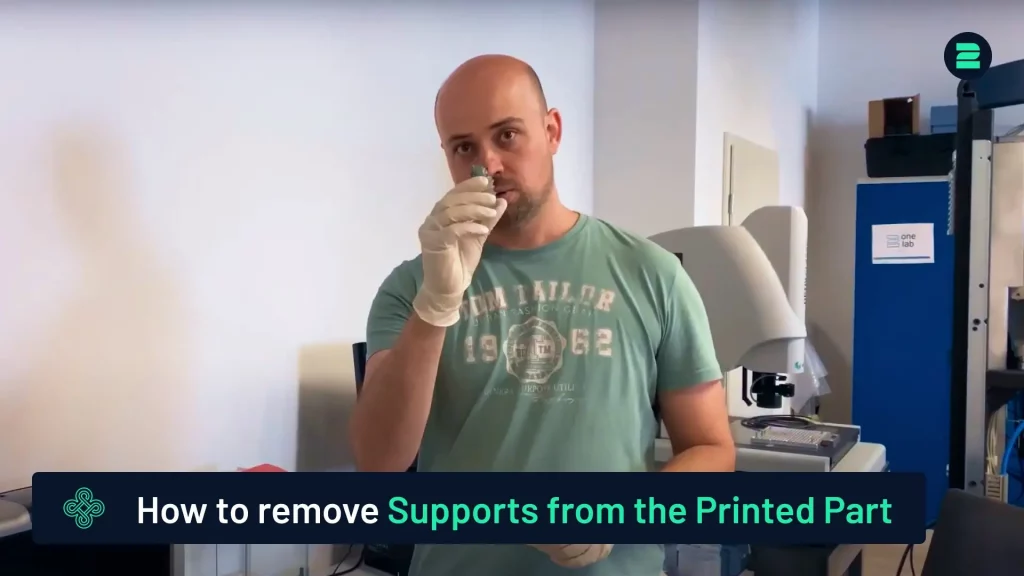
How to Remove Supports from 3D-Printed Parts
This tutorial provides a quick and easy method for removing supports from your 3D-printed parts.
How to Prepare the 2Create for Powder Change
Learn how to prepare the 2Create Metal 3D Printer for a powder change from non-reactive to reactive materials.
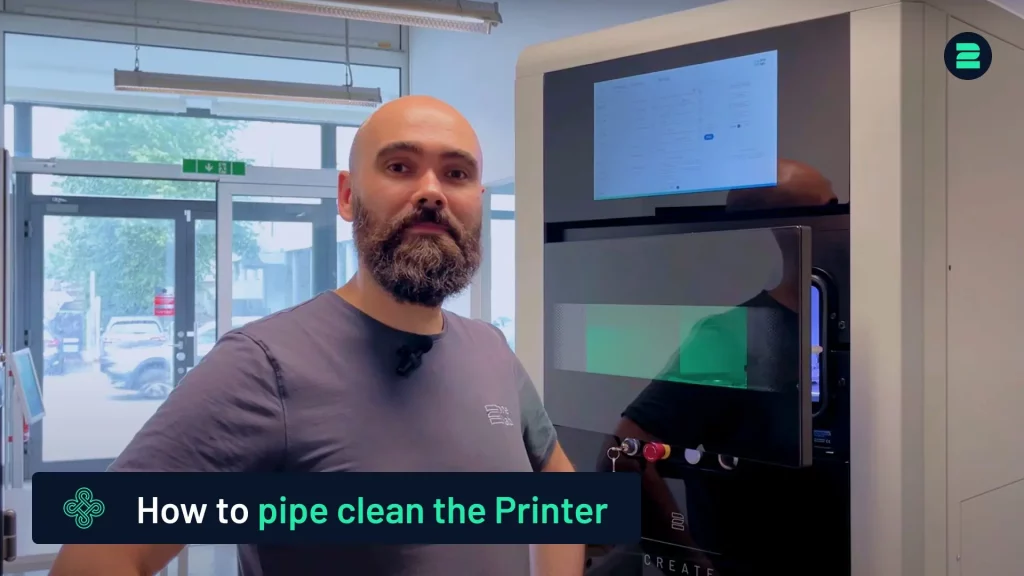
Pipe Cleaning Procedure for the 2Create
This tutorial covers the pipe cleaning process for the 2Create Metal 3D Printer, typically performed when switching from reactive to non-reactive materials or changing filters.

Metal 3D Printing Made Simple

From advanced equipment to high-performance metal 3D printers and smart software — designed to maximize productivity and quality in additive manufacturing. 

You are here