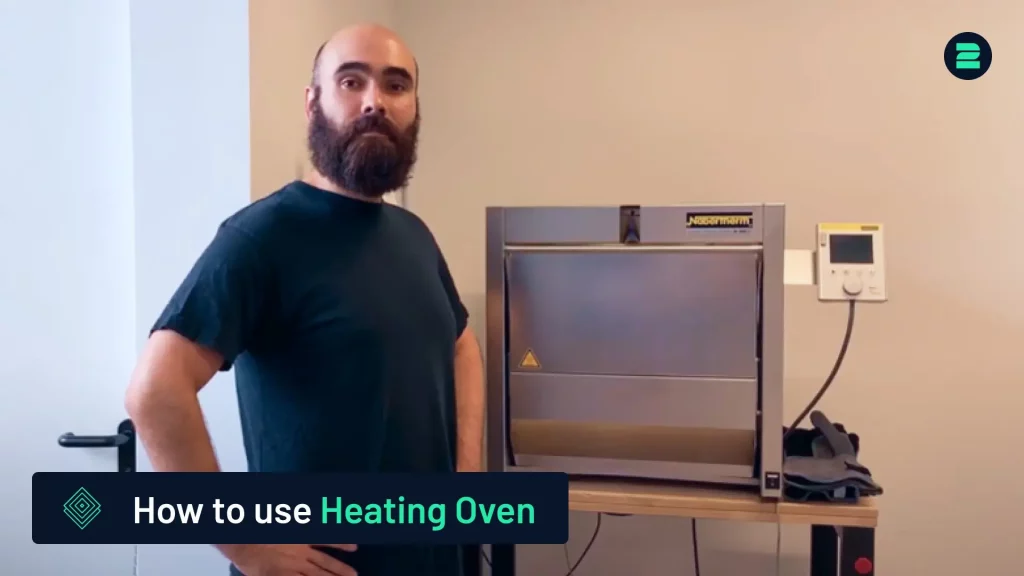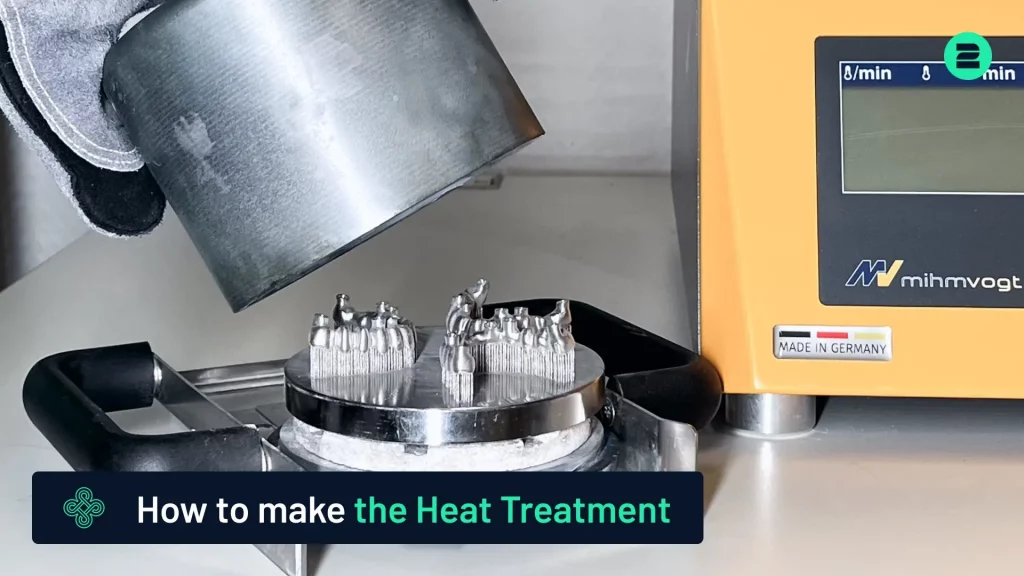
This tutorial provides a step-by-step guide on how to perform the heat treatment of 3D-printed parts after printing. For a detailed demonstration of the process, please refer to our video tutorial below.
You are currently viewing a placeholder content from Default. To access the actual content, click the button below. Please note that doing so will share data with third-party providers.
More InformationWhy Heat Treatment is Important

Heat treatment is crucial for removing residual thermal stress from printed parts, particularly those made from cobalt chrome or titanium. Without this process, parts are prone to bending after cutting, which compromises their fit and functionality.
When to perform Heat Treatment
- On the building plate, immediately after the printing process.
- Before cutting the part from the building platform.
Steps for Heat Treatment
1. Prepare the Part:
2. Conduct Heat Treatment:
3. Allow the Part to Cool:
- Place the part in a specialized holder and secure it with the provided cap.
2. Conduct Heat Treatment:
- Perform the process under an argon atmosphere. The cap prevents oxygen from entering, ensuring the part remains free from oxidation.
3. Allow the Part to Cool:
- After the heat treatment, leave the part in the furnace to cool for at least 30 minutes before removing it.
Benefits of Heat Treatment
- Prevents oxidation.
- Relieves residual stresses.
- Ensures dimensional stability and perfect fit for subsequent processes, such as cutting on a bandsaw.
Discover Our Heat Treatment Furnaces
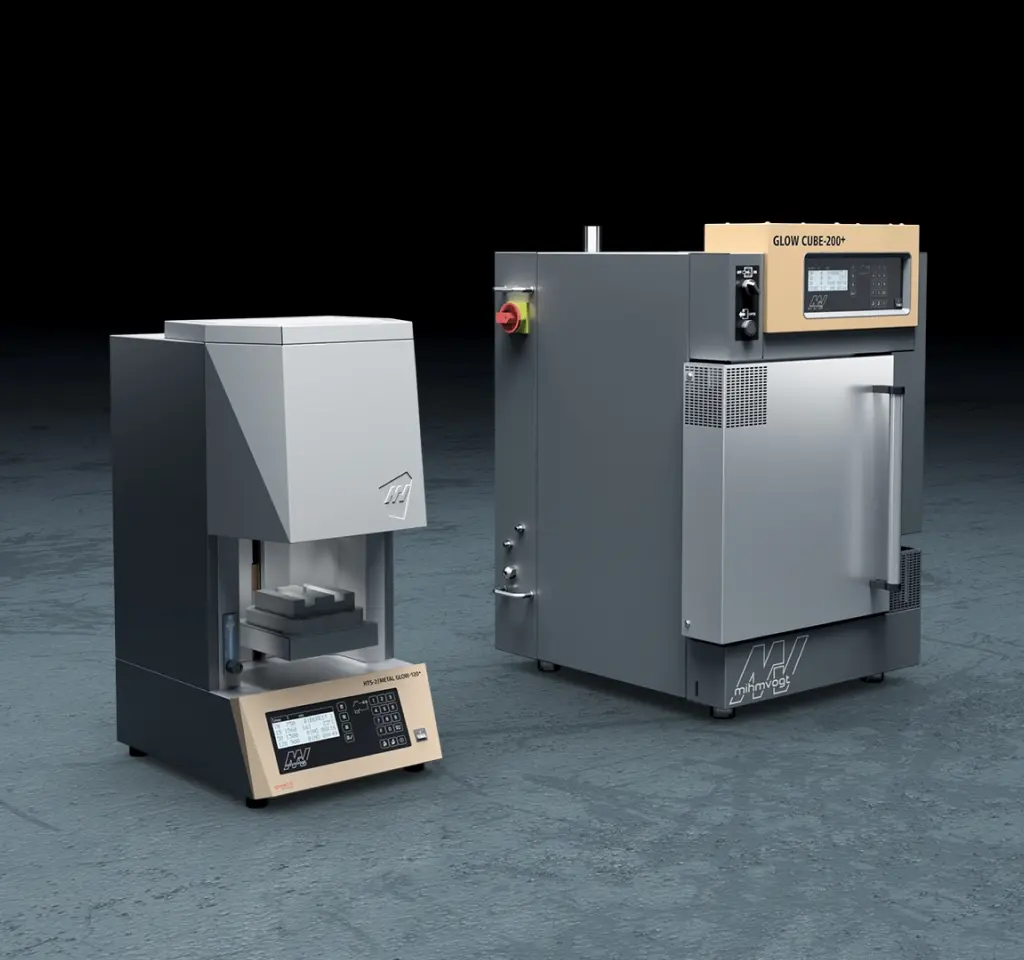
Choose 2onelab’s digital 3D printing ecosystem – with the HTS-2/Metal Glow-120+ and Glow Cube-200+.
Efficient post-processing. Powered by real-world expertise.