2onelab

Select How to Use the 2Connect Web Application How to Use the 2Connect Web Application

How to Use the 2Connect Web Application

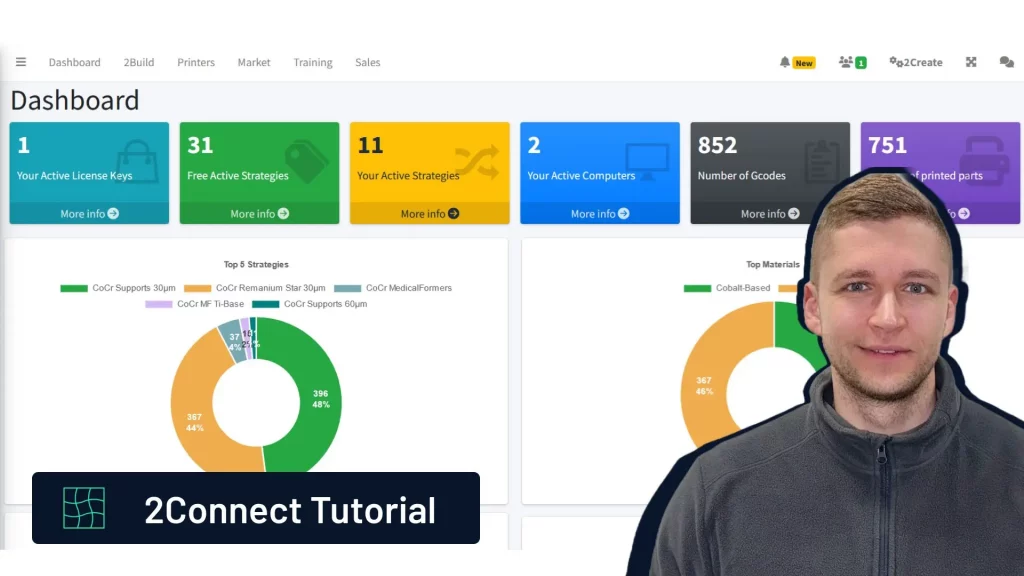
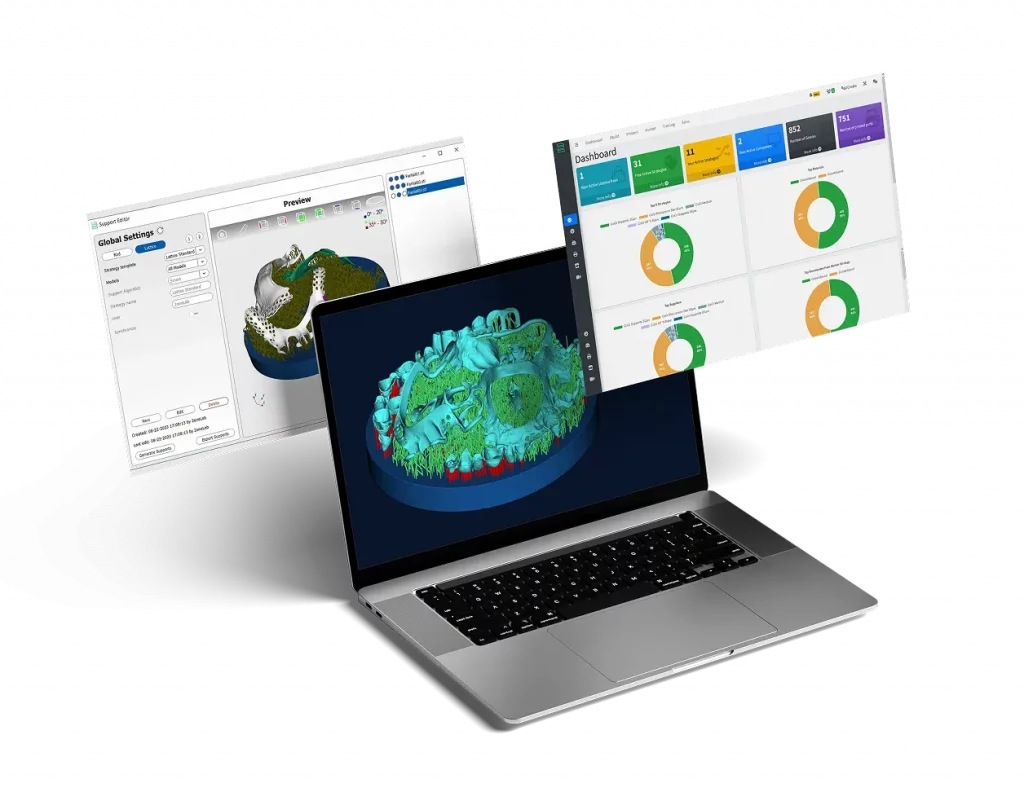
This tutorial introduces 2Connect, a web application that offers valuable insights into 3D metal printers, including printing parameters, strategies, and more. For more comprehensive information, visit the 2Connect page or watch our video tutorial below.

Sie sehen gerade einen Platzhalterinhalt von YouTube. Um auf den eigentlichen Inhalt zuzugreifen, klicken Sie auf die Schaltfläche unten. Bitte beachten Sie, dass dabei Daten an Drittanbieter weitergegeben werden.

Mehr Informationen

Key Features

1. Dashboard:

  • Overview of printer performance, including generated G-codes, printed parts, and most-used strategies and materials.


2. 2Build Page:

  • Manage your license, view employees, and track their activity in 2Build CAM.
  • Download the latest 2Build version to stay updated.


3. Printers Page:

  • Review recent jobs with details like dates, job height, costs, and print previews.


4. Marketplace:

  • Access free print strategies from 2onelab and sync with 2Build CAM.
  • Apply new strategies for materials like cobalt chrome directly from the marketplace


5. Training Page:

  • Access training videos and tutorials on hardware (e.g., printers, bandsaws) and software (e.g., 2Build).

By following these steps, you’ll be able to operate the 2Create 3D Metal Printer safely and efficiently—from initial setup to final post-processing—ensuring high-quality results every time.

2onelab’s Digital 3D Printing Ecosystem

Choose 2onelab’s digital ecosystem – featuring the 2Build CAM software and the 2Connect web app. Efficient. Connected. Precise.

Learn More

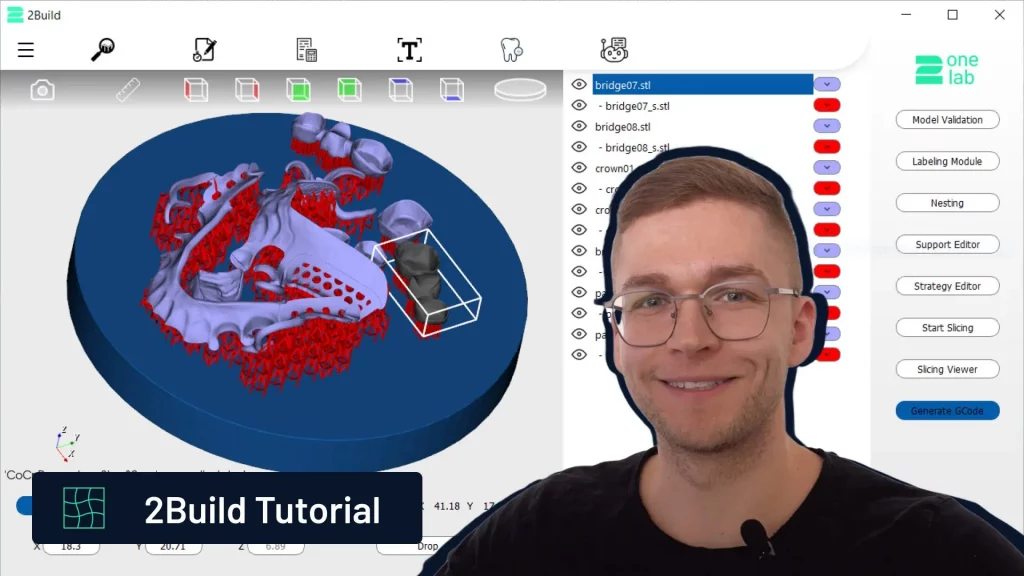
How to Create a Metal 3D Printing Job in 2Build

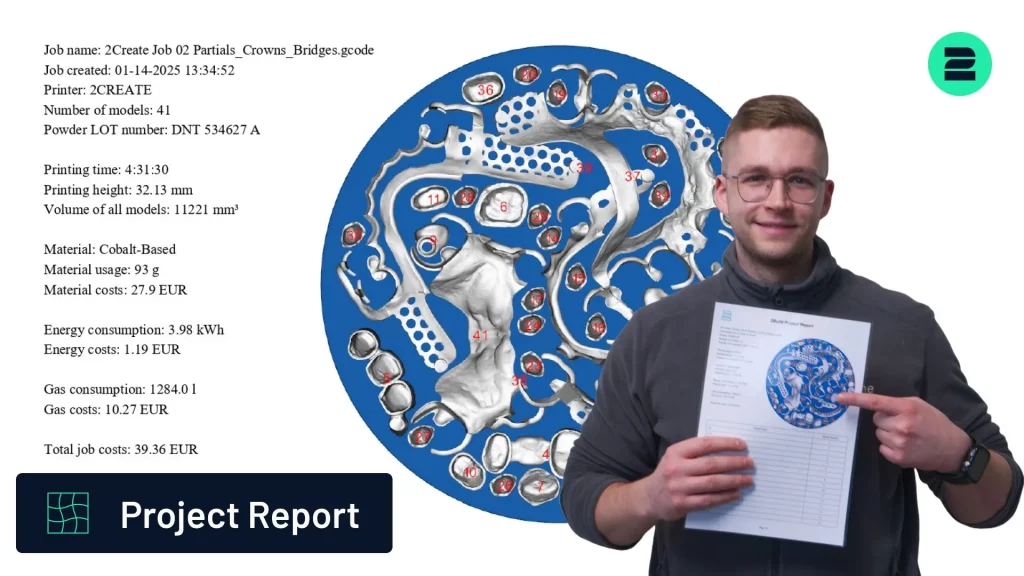
Project Report 2Build – Transparency & Control

2Build 1.3.0 Release – More Control, Higher Efficiency, Better Performance

Bild von Markus Wolf
Markus Wolf
Passionate about 3D printing, while being CTO and Co-Founder of 2onelab.
Share This Blog Post

All Our Tutorials

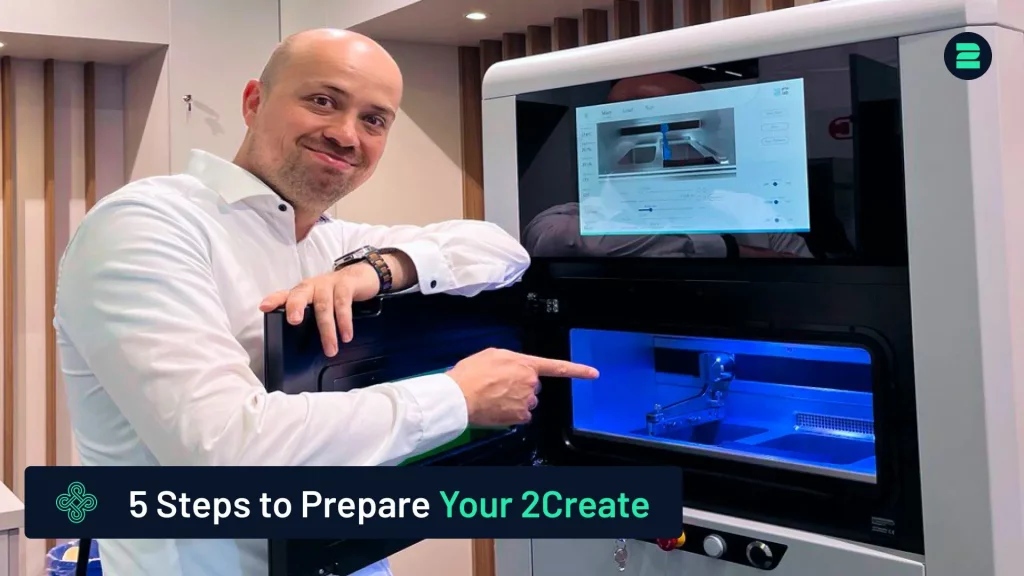
How to Prepare Your 2Create 3D Metal Printer in 5 Simple Steps
Markus from 2onelab shows you how to safely and efficiently prepare your 2Create 3D metal printer.
How to Switch from CoCr to Titanium for Titanium 3D Printing
This guide provides a quick and reliable method for switching your 3D printer from CoCr to Titanium.
How to Use a Nabertherm Heating Oven for Dental Parts
Discover the process of using a Nabertherm heating oven for stress relief of dental parts after 3D printing.
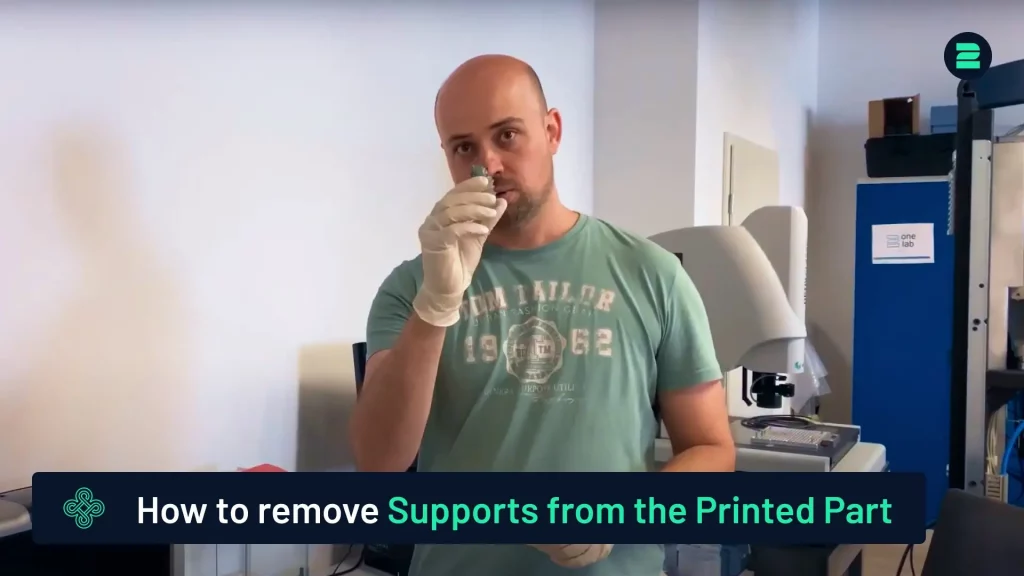
How to remove supports from your printed part
How to Remove Supports from 3D-Printed Parts
This tutorial provides a quick and easy method for removing supports from your 3D-printed parts.
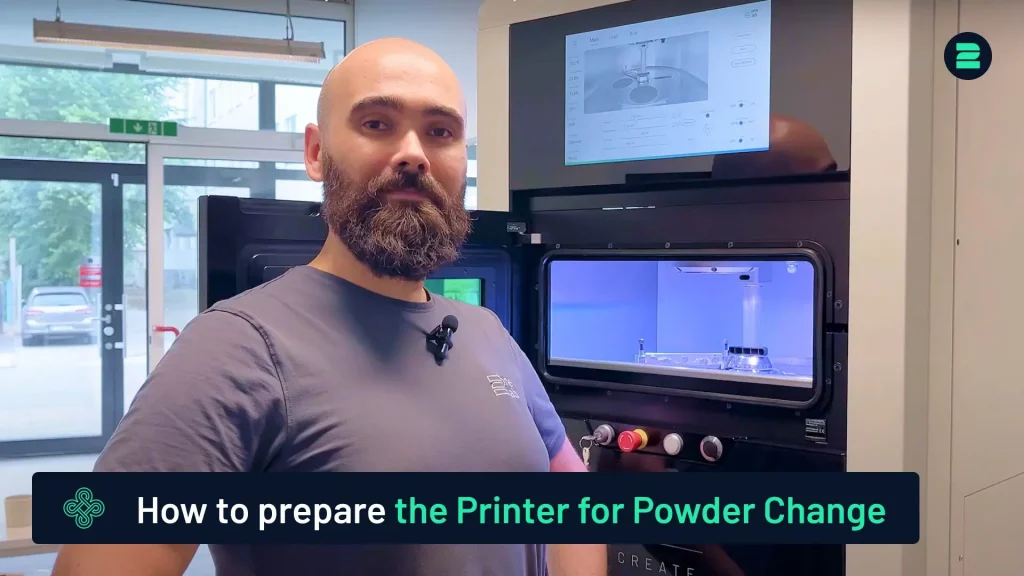
How to Prepare the 2Create for Powder Change
Learn how to prepare the 2Create Metal 3D Printer for a powder change from non-reactive to reactive materials.
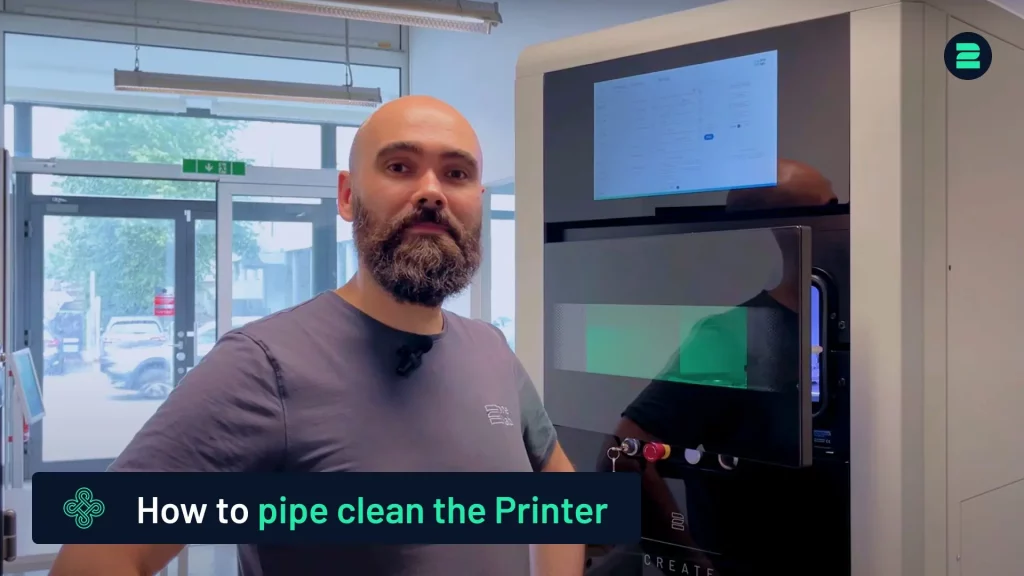
Pipe Cleaning Procedure for the 2Create
This tutorial covers the pipe cleaning process for the 2Create Metal 3D Printer, typically performed when switching from reactive to non-reactive materials or changing filters.

Metal 3D Printing Made Simple

From advanced equipment to high-performance metal 3D printers and smart software — designed to maximize productivity and quality in additive manufacturing. 

You are here