
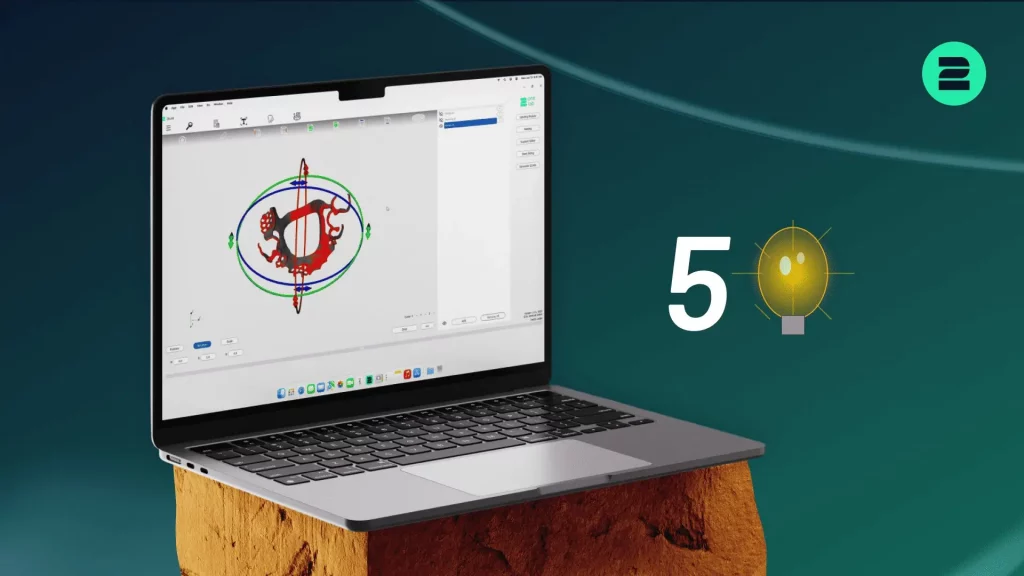

With the new 2Build CAM Version 1.3.0 ,the focus is on efficiency, process reliability, and expanded configuration options. Find out more below!
What’s New in 2Build 1.3.0
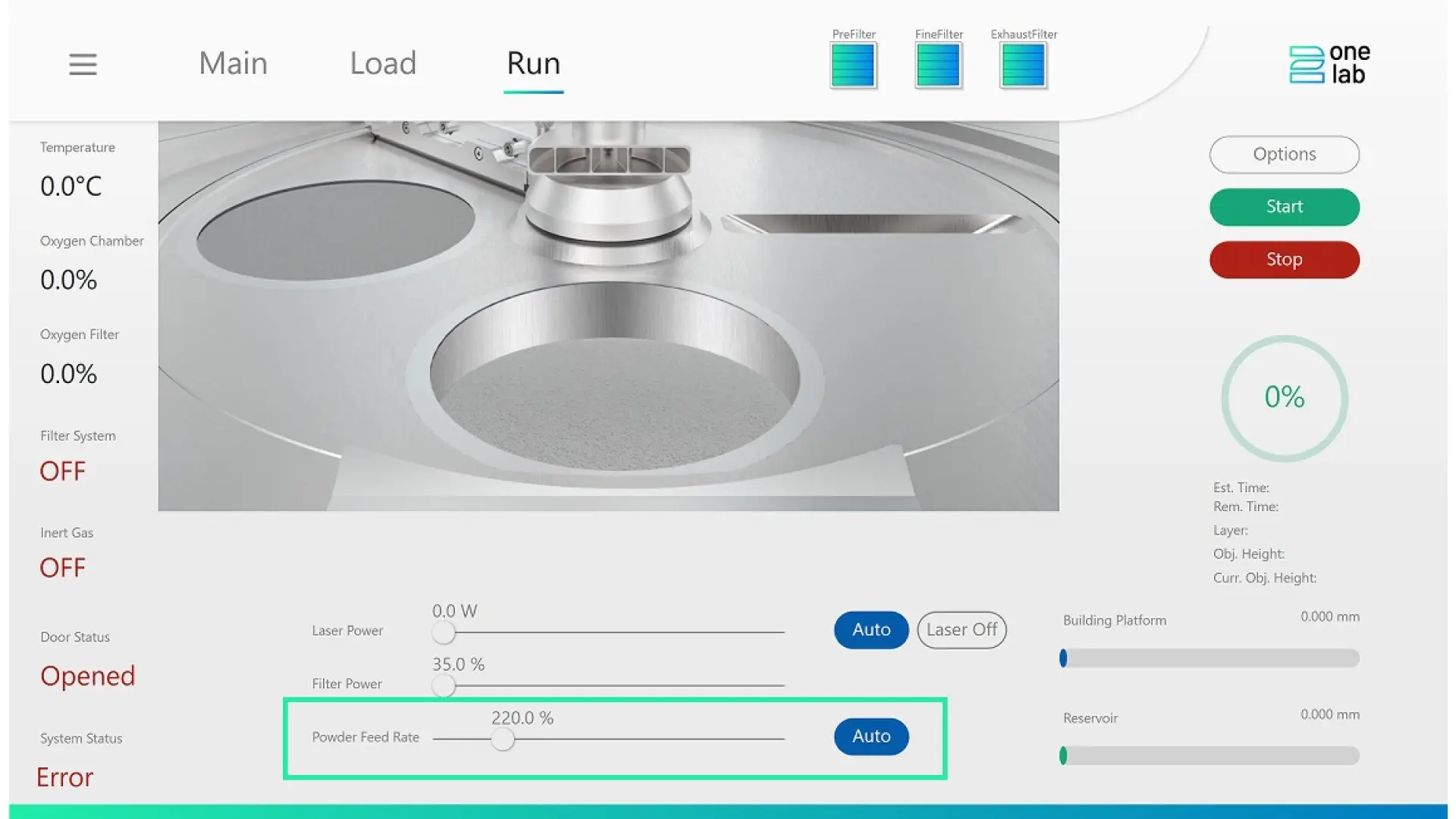
1. Automated Powder Feed Rate
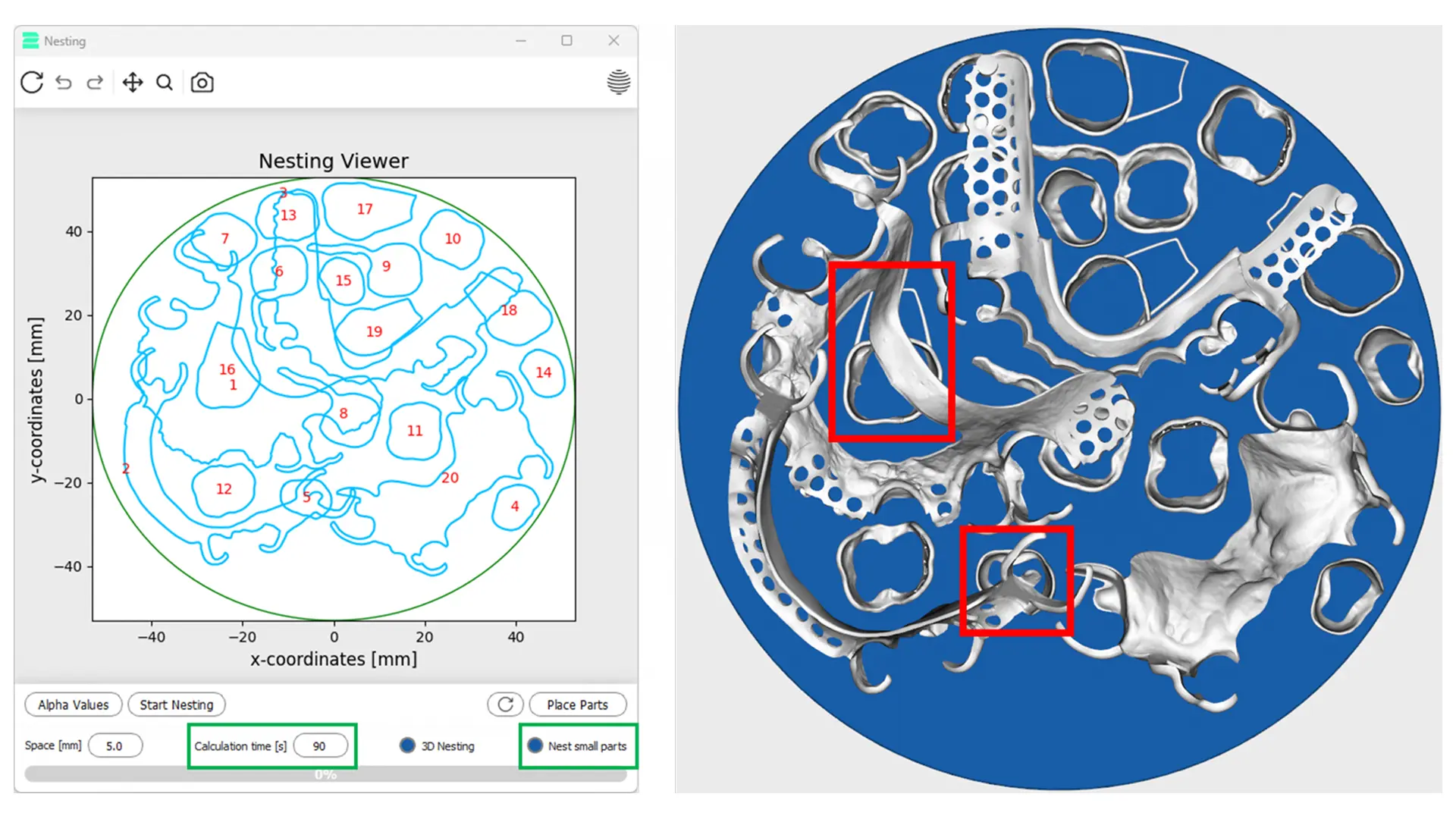
2. Enhanced Nesting Module Control
- Maximum Calculation Time – A longer calculation time can lead to optimized nesting results
- “Nest Small Parts” Function – Allows small parts to be positioned under larger parts
Background: In version 1.2.9, small parts (e.g., crowns) were deliberately not placed under larger parts to avoid affecting support structures.
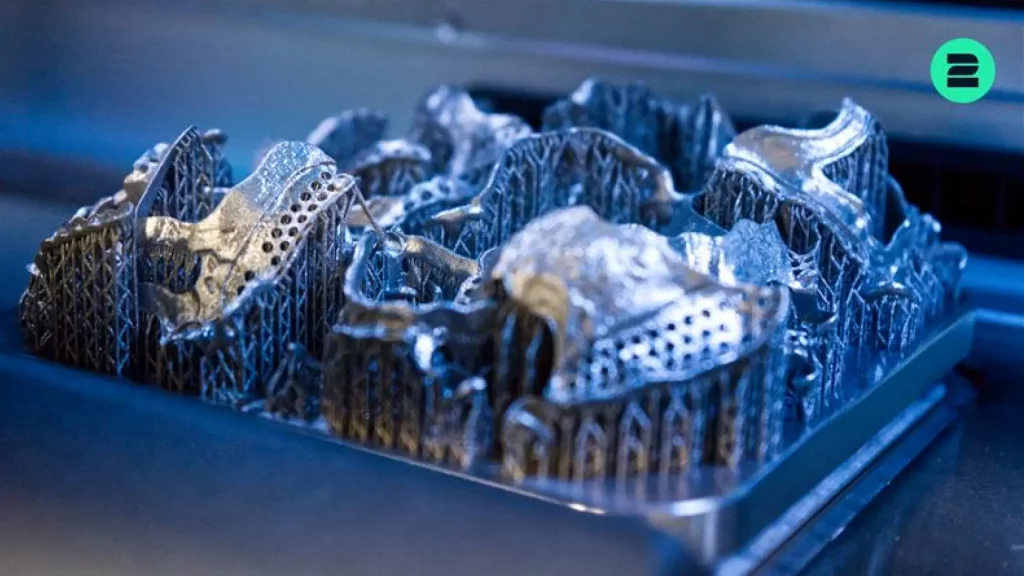
For applications like small orthodontic bands, positioning under larger parts is useful – this behavior can now be controlled in version 1.3.0.
3. Enhanced Support Editor Tools
4. Improved Project Reporting
Project reports can now be generated directly via “Print Job Information” – without generating the G-Code first. Reports are also automatically saved as a .txt file in the temporary 2Build folder, making it easy to extract and use relevant information.
5. More Efficient Slicing Viewer
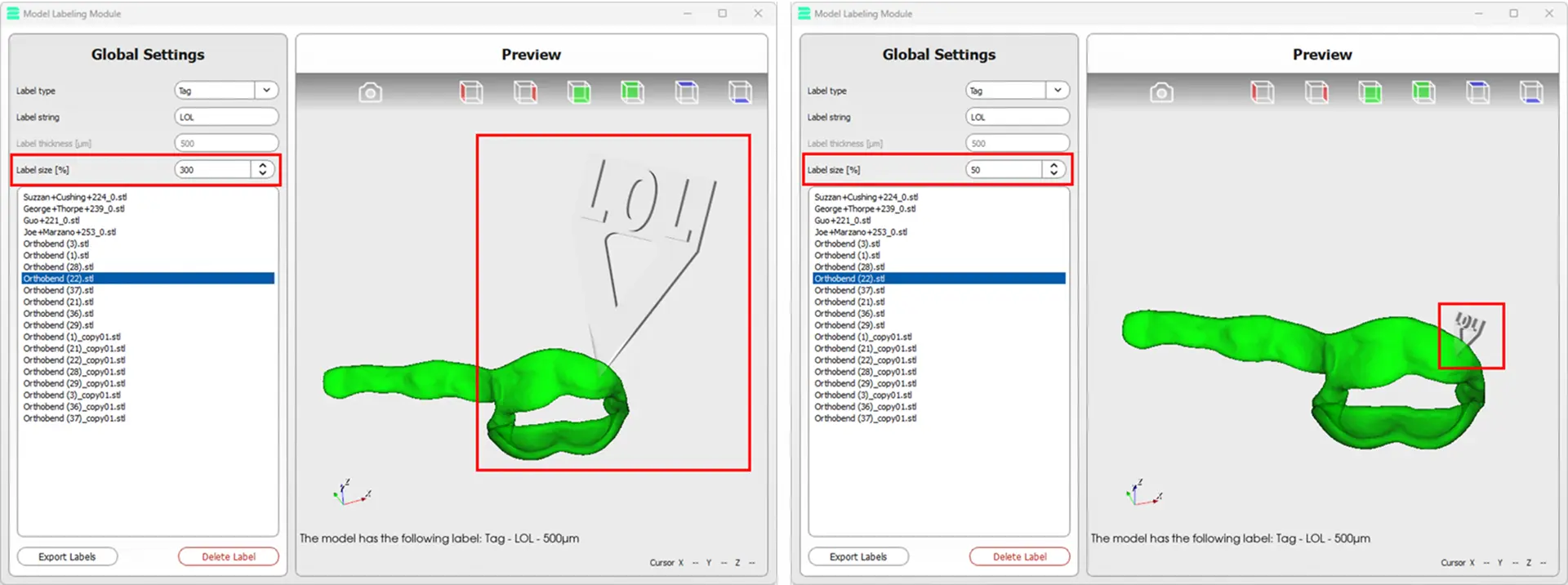
6. Additional Improvements And Bug Fixes
- Expanded knowledge base of the integrated chatbot
- Fixed memory error in the nesting algorithm
- Corrected “missing layer” issue in the skeleton algorithm
- Fixed crash when starting the nesting algorithm
Conclusion
2onelab’s Digital 3D Printing Ecosystem
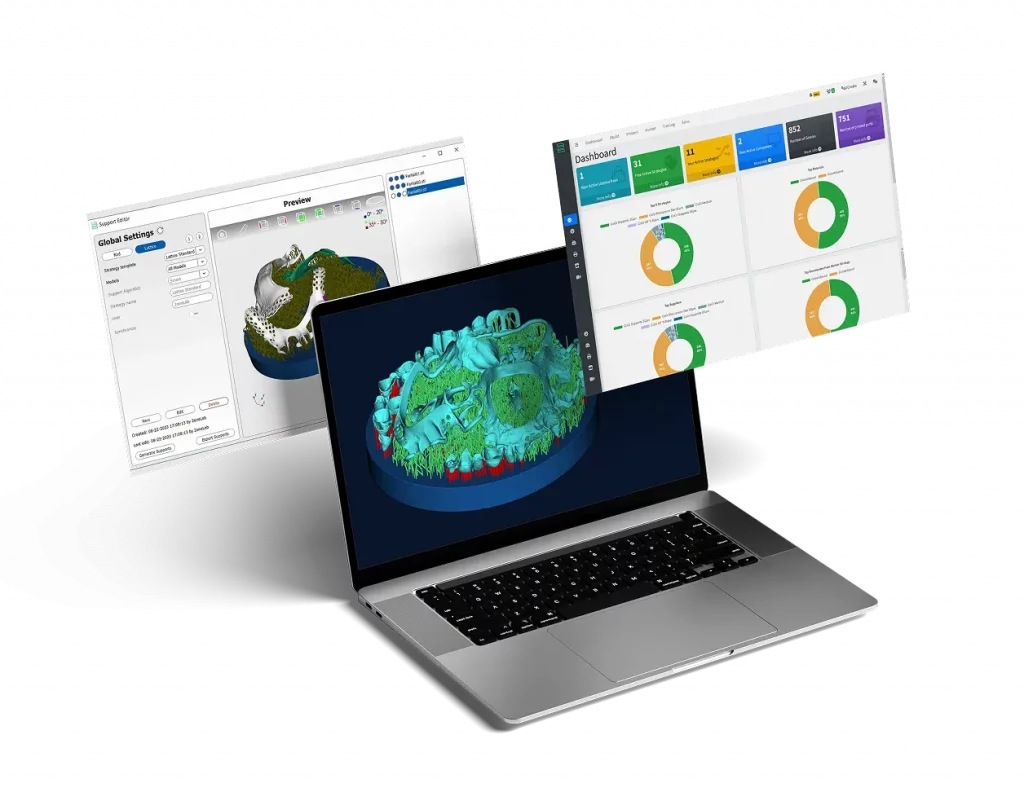
Choose 2onelab’s digital ecosystem – featuring the 2Build CAM software and the 2Connect web app. Efficient. Connected. Precise.
Optimize your 2Build CAM workflow: 5 tips on support placement, overhangs, part positioning, modules and cost tracking for faster, efficient 3D printing!