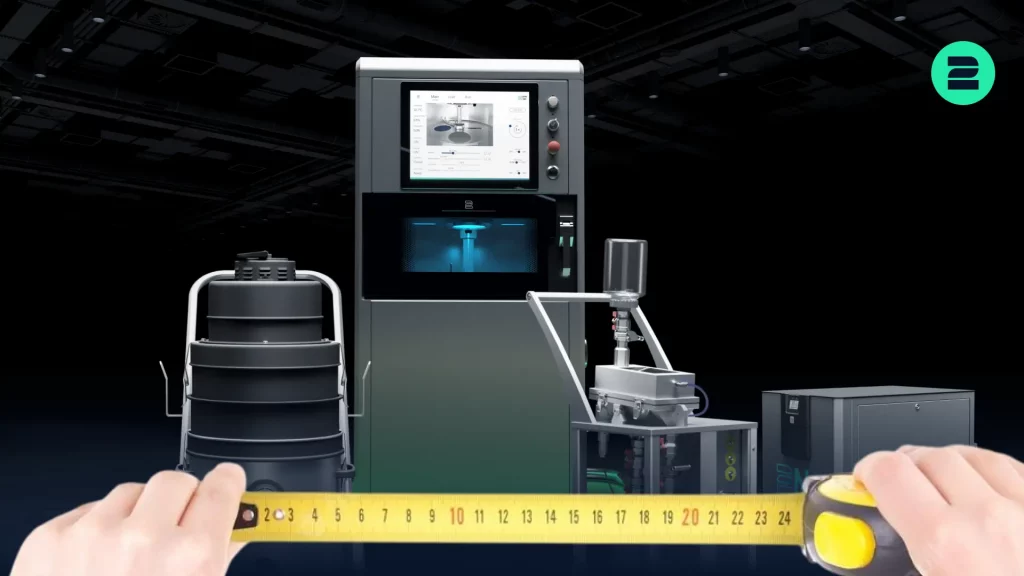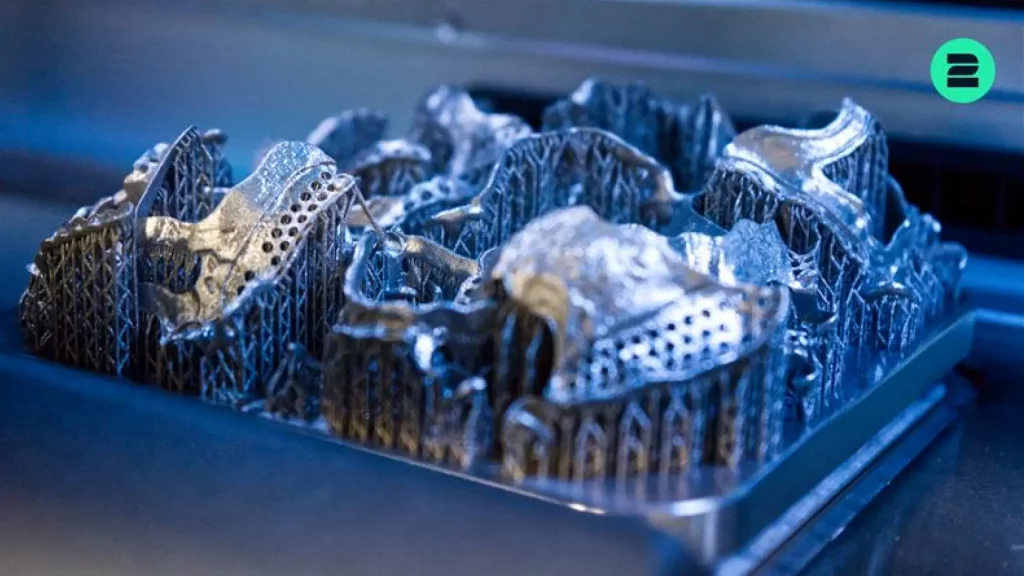
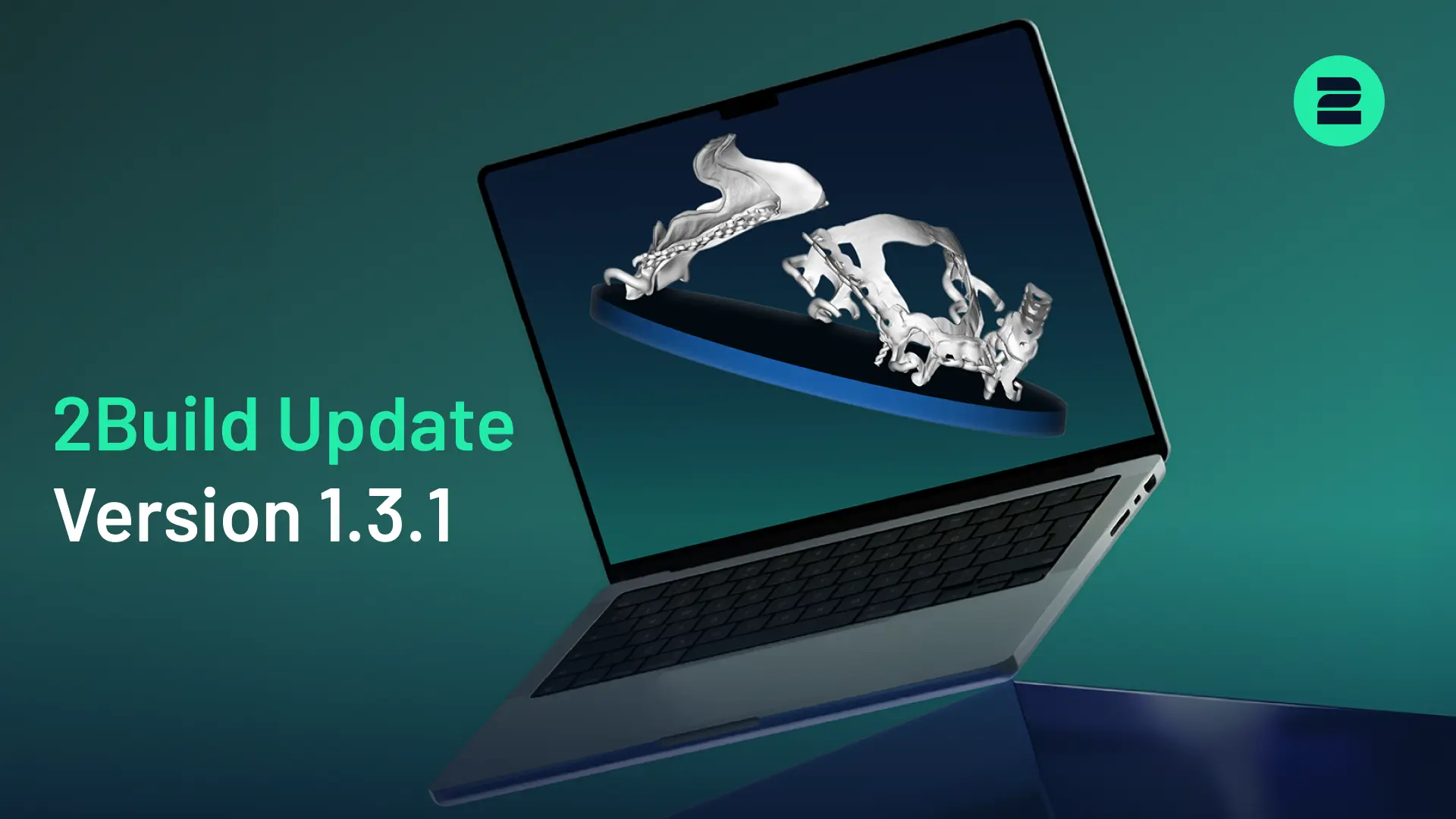

With the new 2Build CAM Version 1.3.1, the focus is on new system integrations, improved process control, more efficient workflows, and significantly faster support generation. Find out more about the key improvements below.
What’s New in 2Build 1.3.1?
The update integrates the new 2Create Desktop, introduces the Stiffening Bar Module, and adds new global settings, keyboard shortcuts, nesting improvements, and extensive performance optimizations to 2Build.
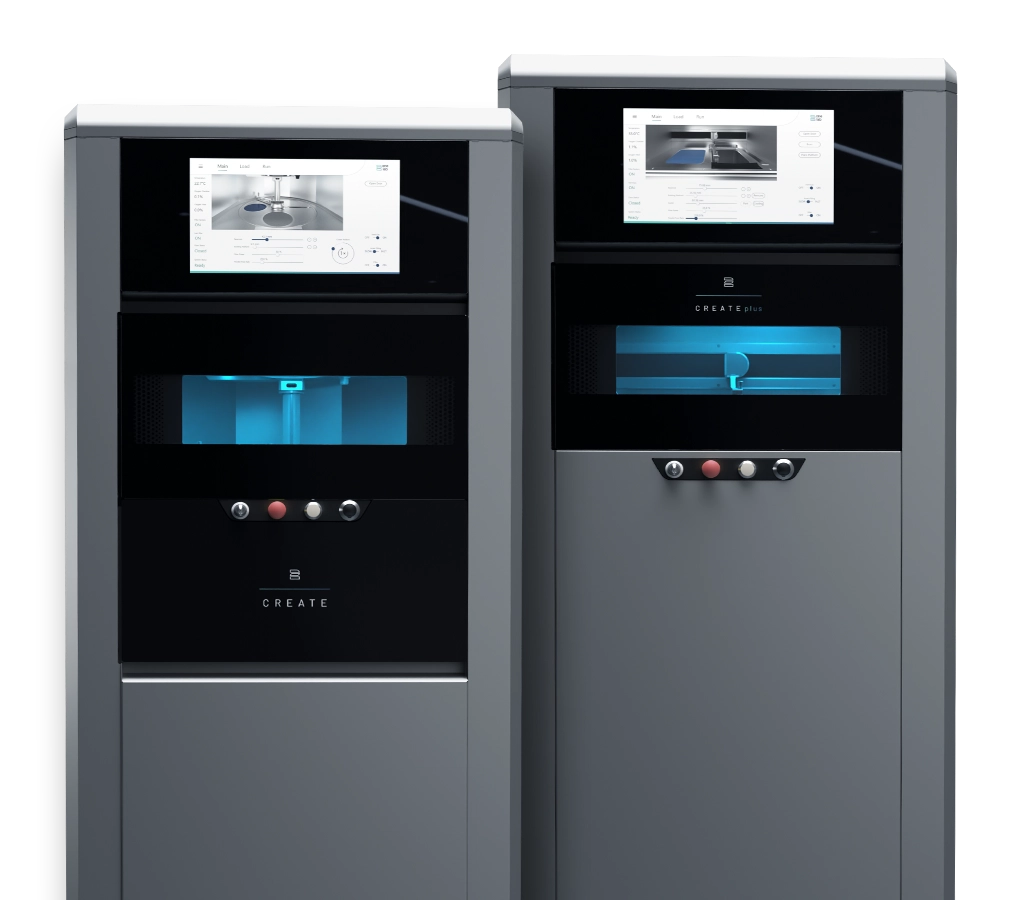
1. New 2Create System
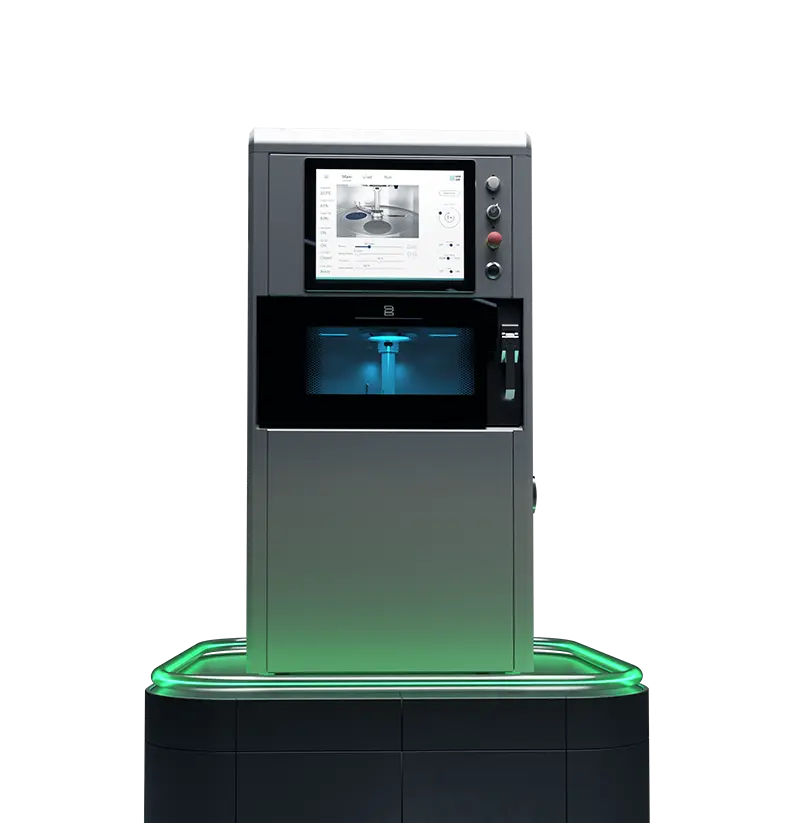
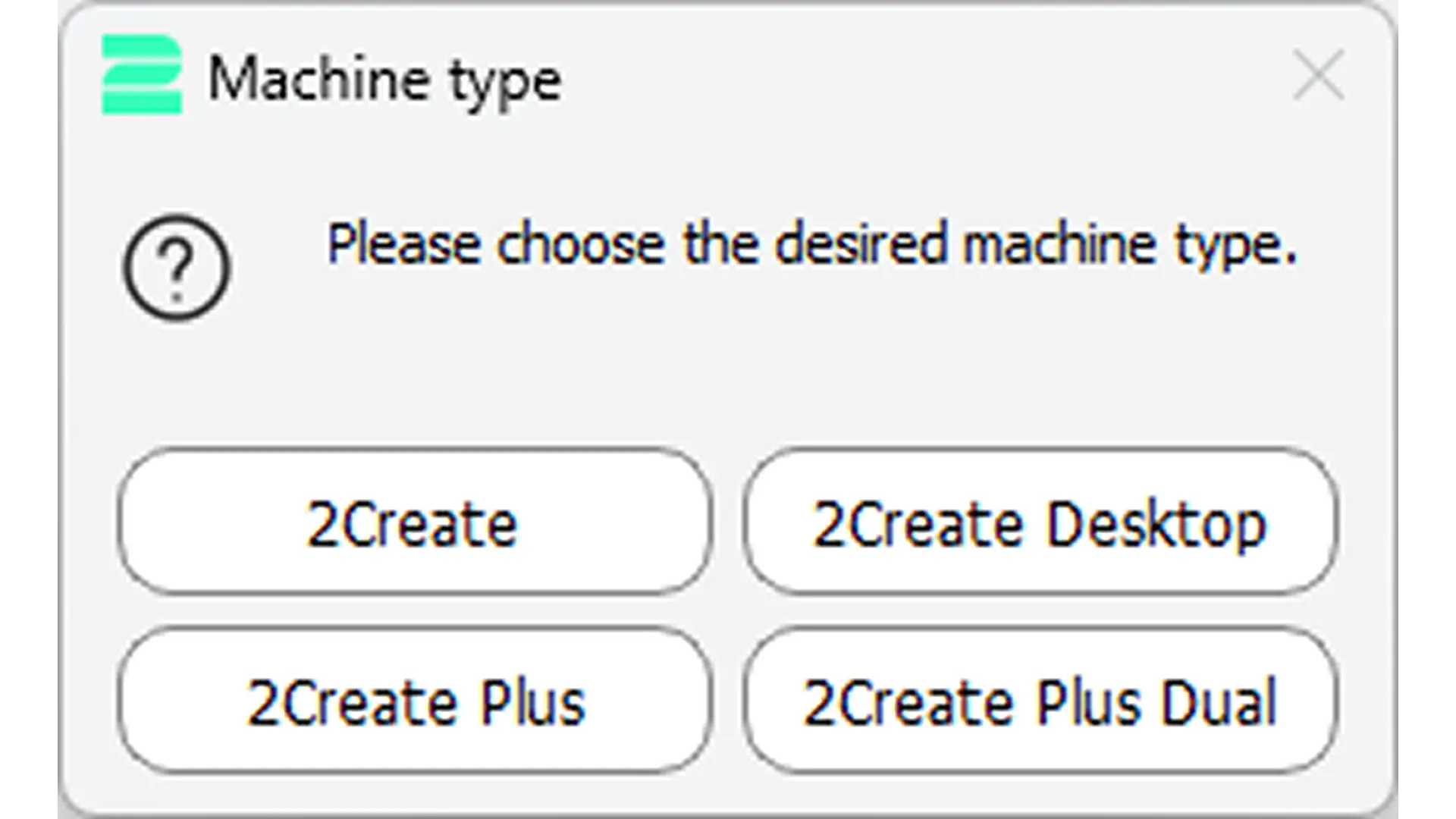
The 2Create Desktop has been integrated into 2Build and can now be selected directly during print job preparation.
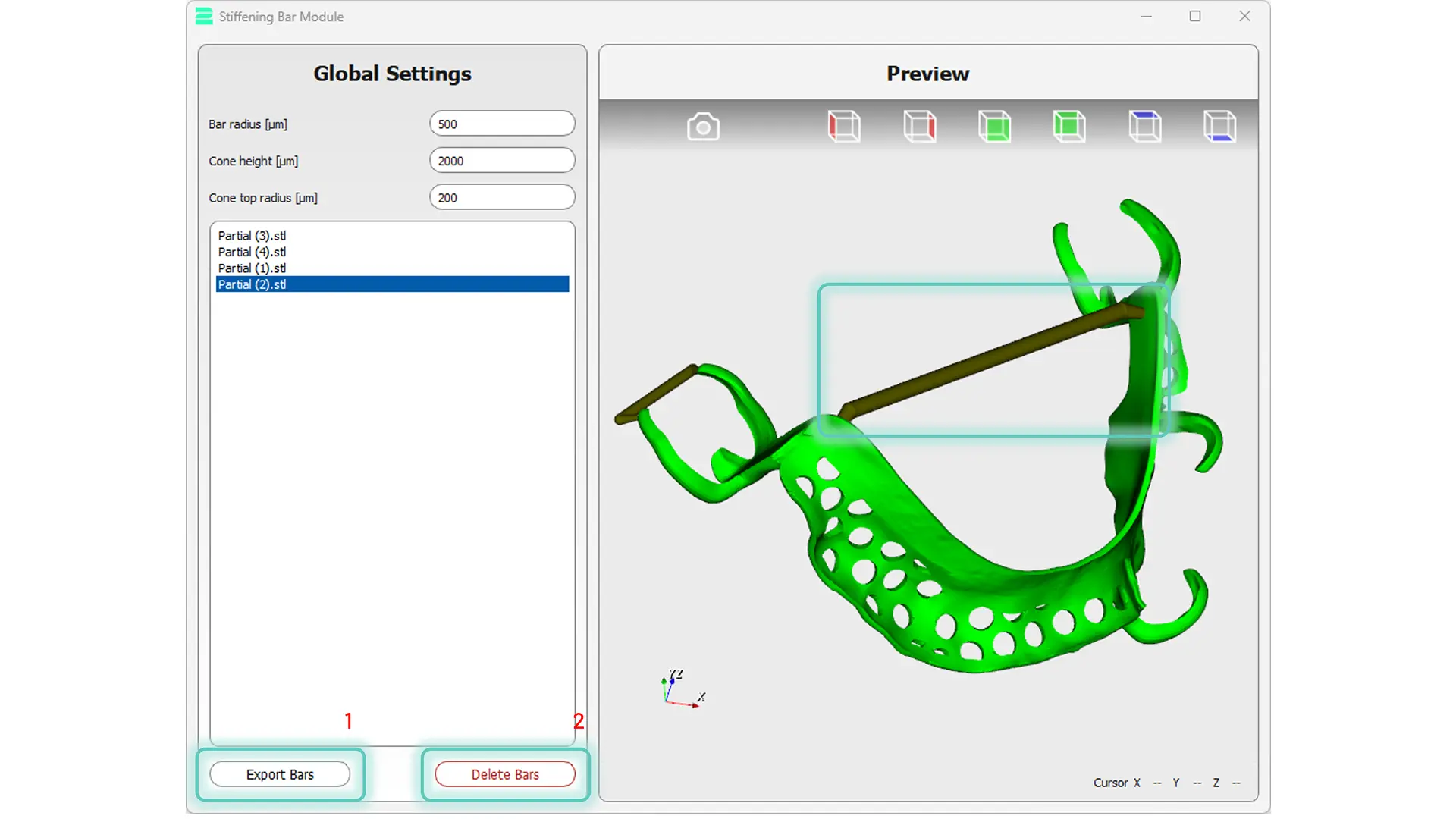
2. New Stiffening Bar Module
The operation of the new Stiffening Bar Module is simple: Select two points on the part, and the corresponding stiffening bar is generated automatically.
3. New Global Settings
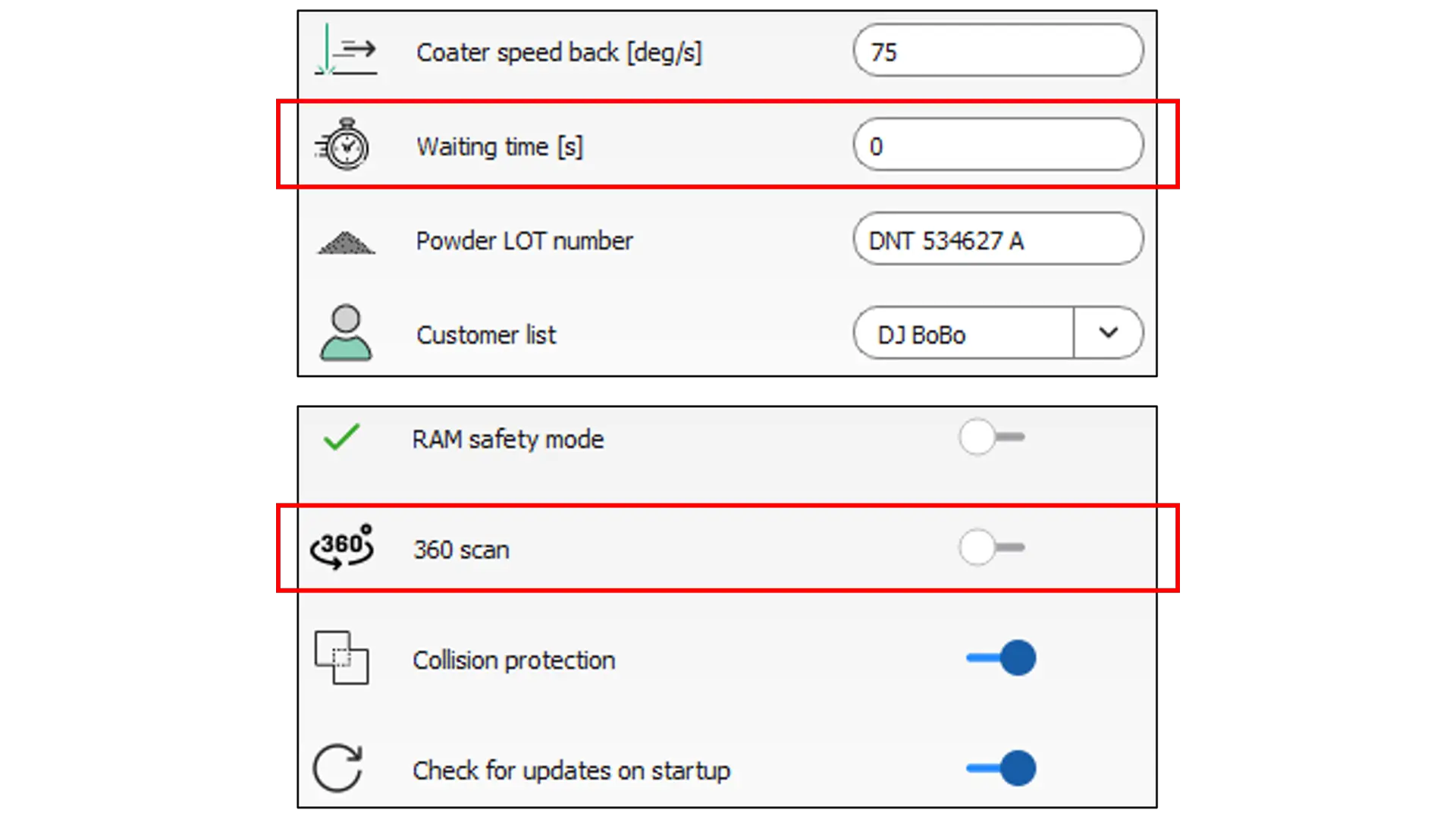
The global settings have been expanded with two new parameters.
Waiting Time Parameter – Defines a waiting time between individual layers, allowing parts to cool down in a controlled manner.
360° Scan Parameter – Enables hatching scan angles from 0° to 360°, providing greater flexibility when configuring scan strategies.
4. Workflow Improvements
Two new keyboard shortcuts make everyday work easier:
Ctrl + F – Flip selected parts
Ctrl + C – Copy selected parts
In addition, the most recently used minimum nesting distance is now saved and automatically applied the next time the Nesting Module is used.
5. Significantly Faster Support Generation
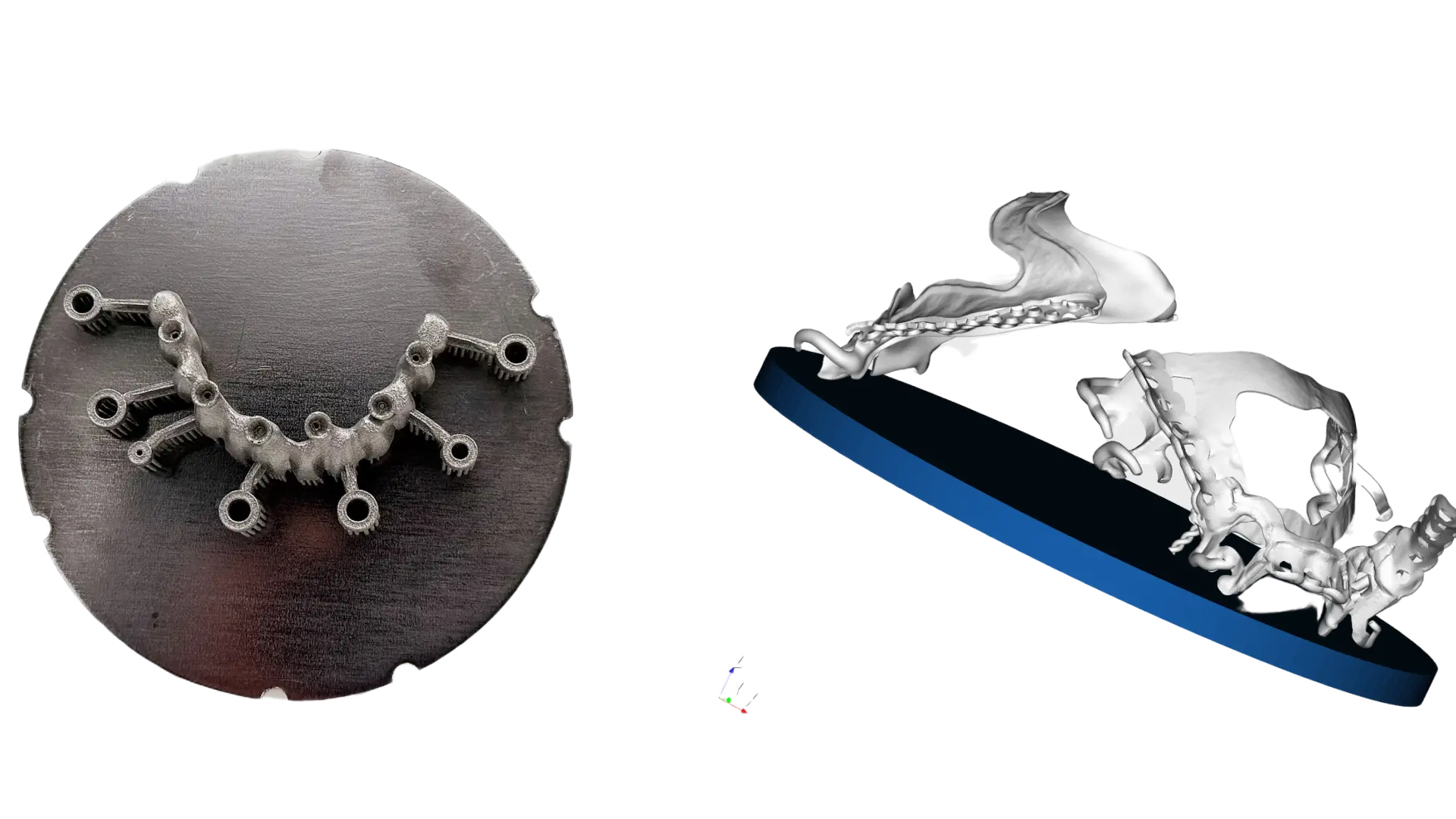
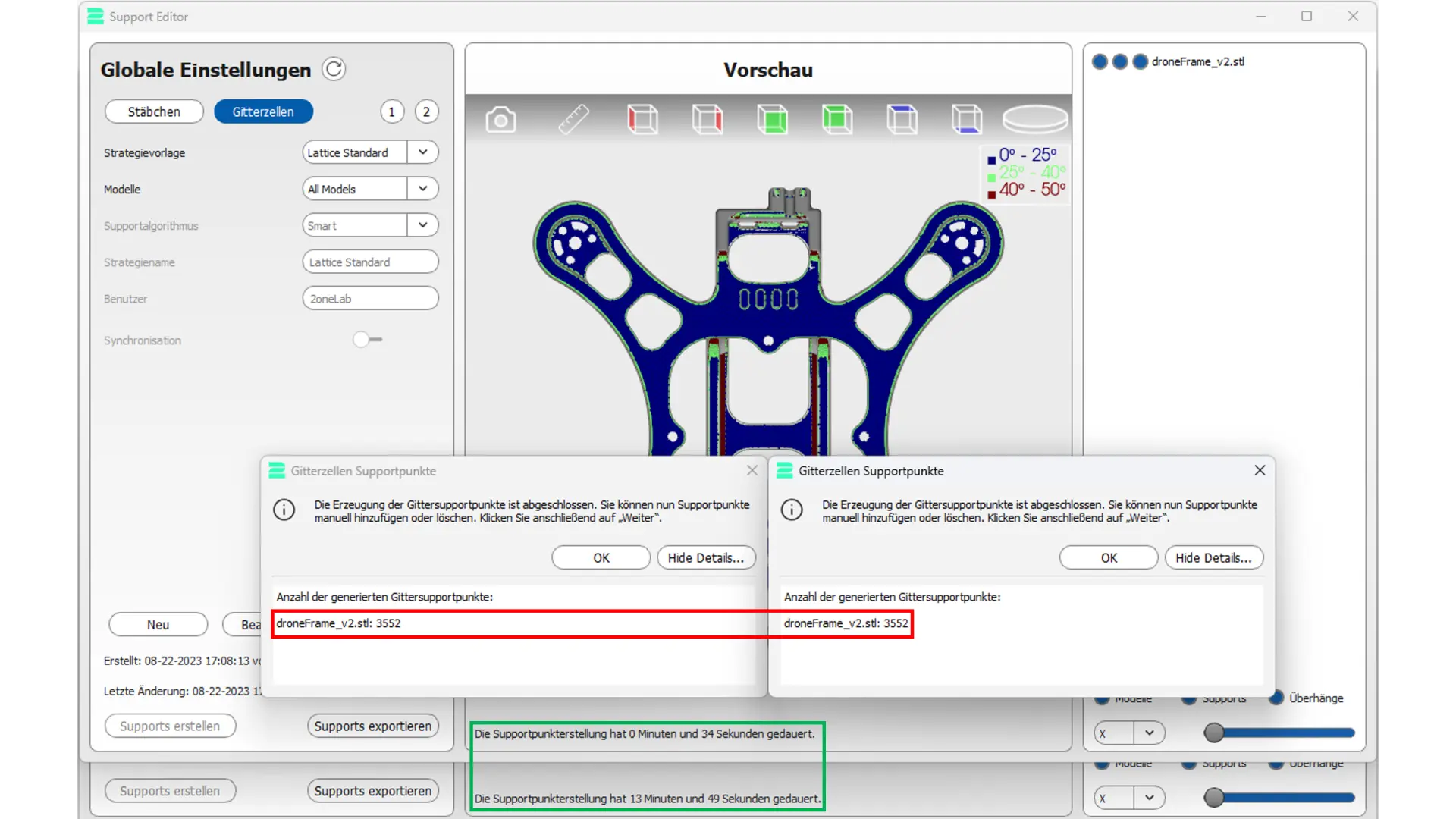
One of the most important improvements concerns the Support Editor. Support generation speed has been increased by at least a factor of five.
In an example using a drone frame, the calculation time was reduced from 13 minutes and 49 seconds to just 34 seconds. This significantly speeds up the preparation of complex print jobs.
6. Additional Improvements and Bug Fixes
- Optimized print time calculation for the 2Create Plus and automatic powder feed rate calculation
- Bug fixes related to decimal values, file extensions, and G-Code conversion
- Various software crashes fixed, including issues related to 3D labels, G-Code generation, and Model Validation
Conclusion
With 2Build 1.3.1, users benefit from expanded system compatibility, improved process control, more convenient workflows, and significantly faster support generation.
Users receive a direct update notification within 2Build and can install the update automatically via 2Build.
We look forward to your feedback and suggestions for future updates.
2onelab’s Digital 3D Printing Ecosystem
Choose 2onelab’s digital ecosystem – featuring the 2Build CAM software and the 2Connect web app. Efficient. Connected. Precise.
Optimize your 2Build CAM workflow: 5 tips on support placement, overhangs, part positioning, modules and cost tracking for faster, efficient 3D printing!