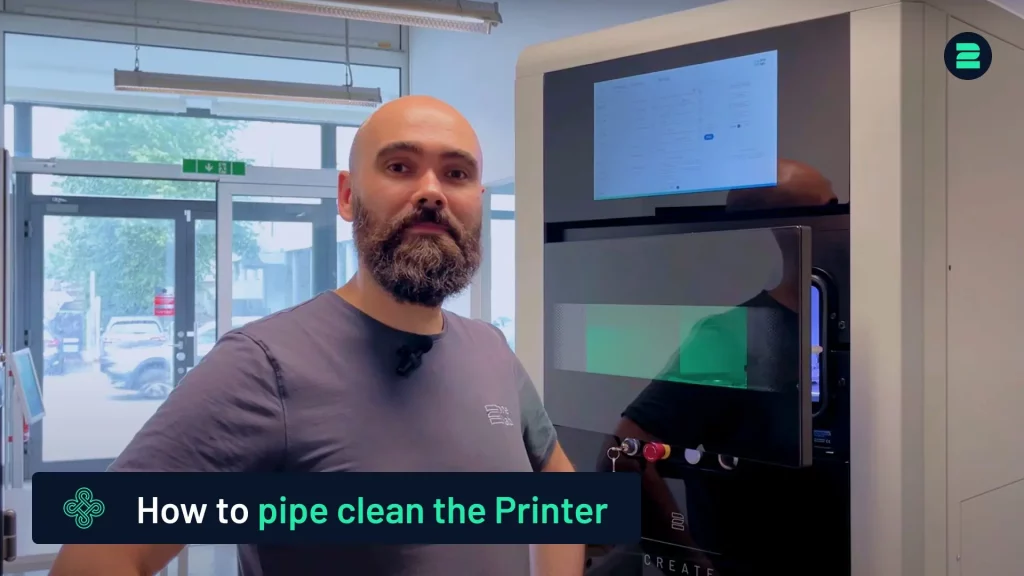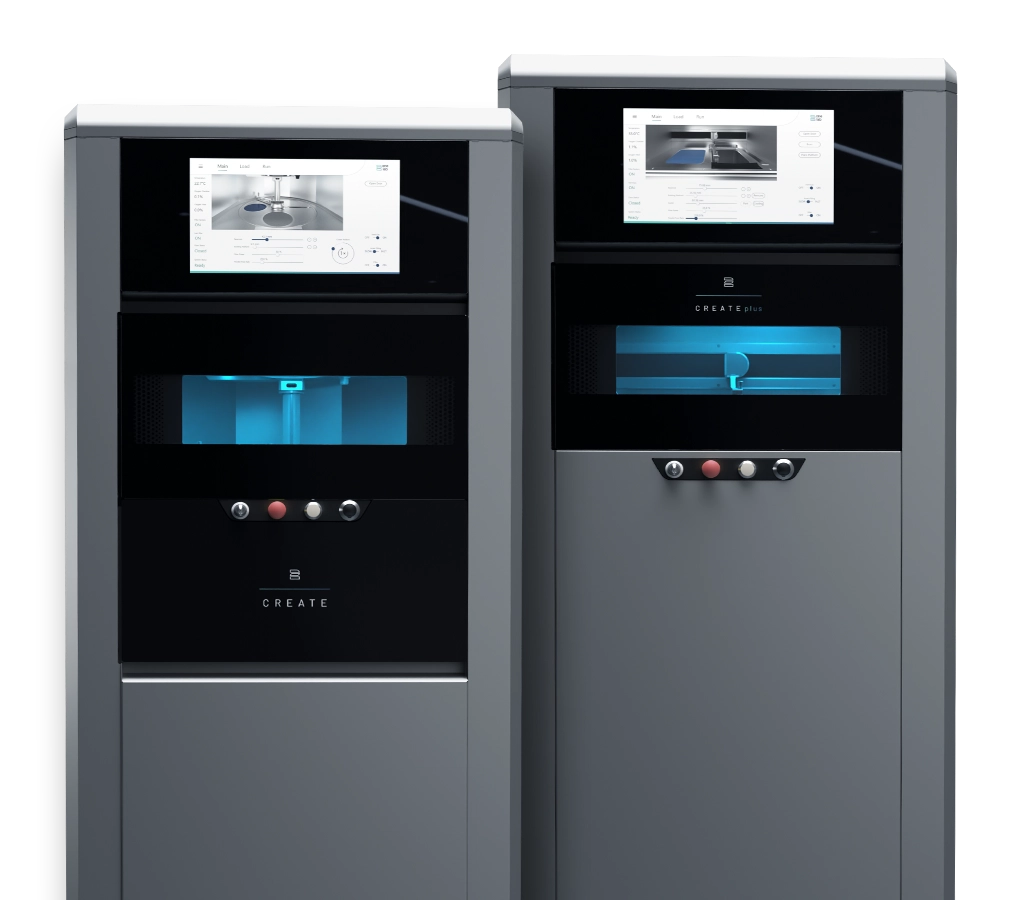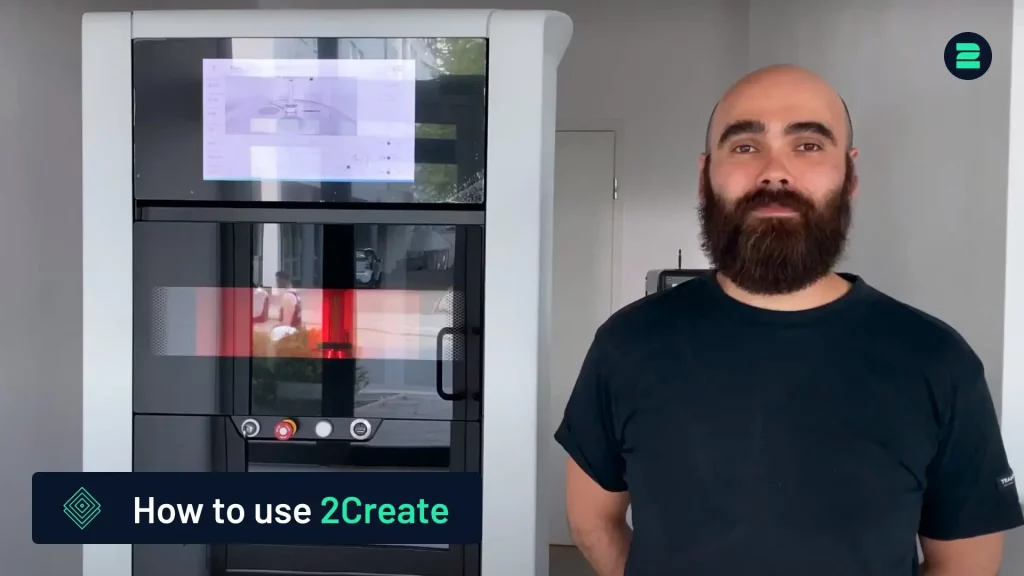
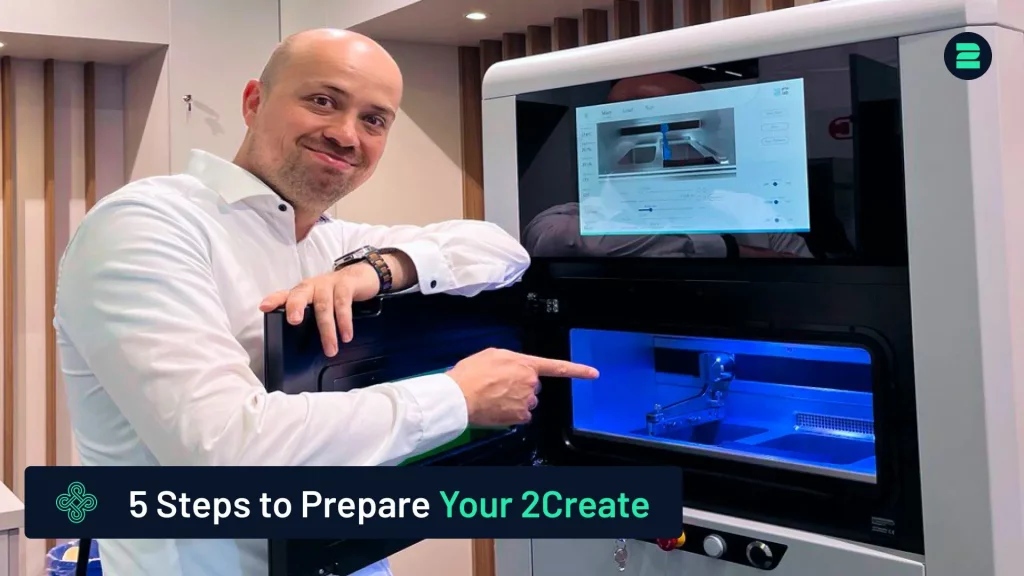
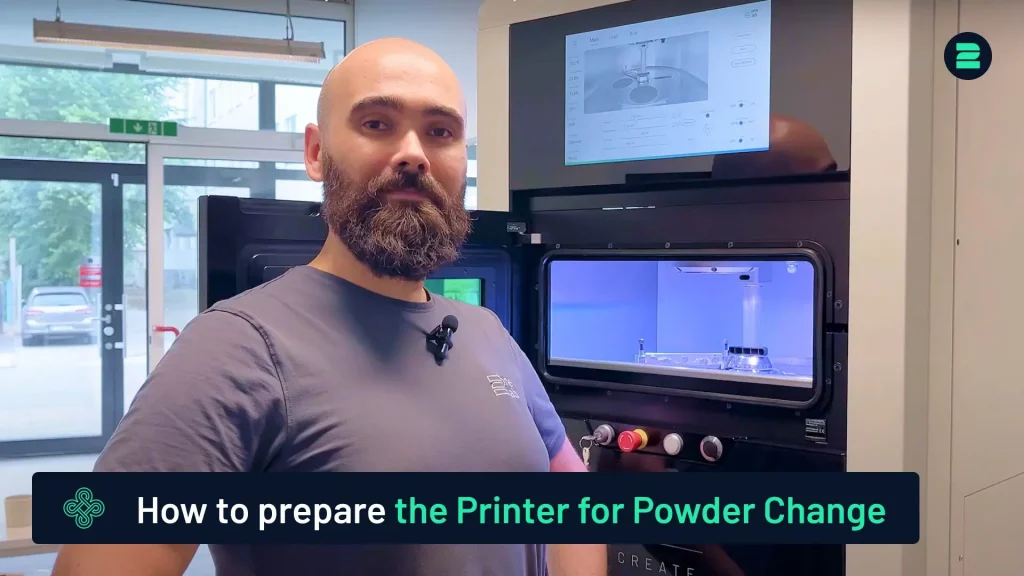
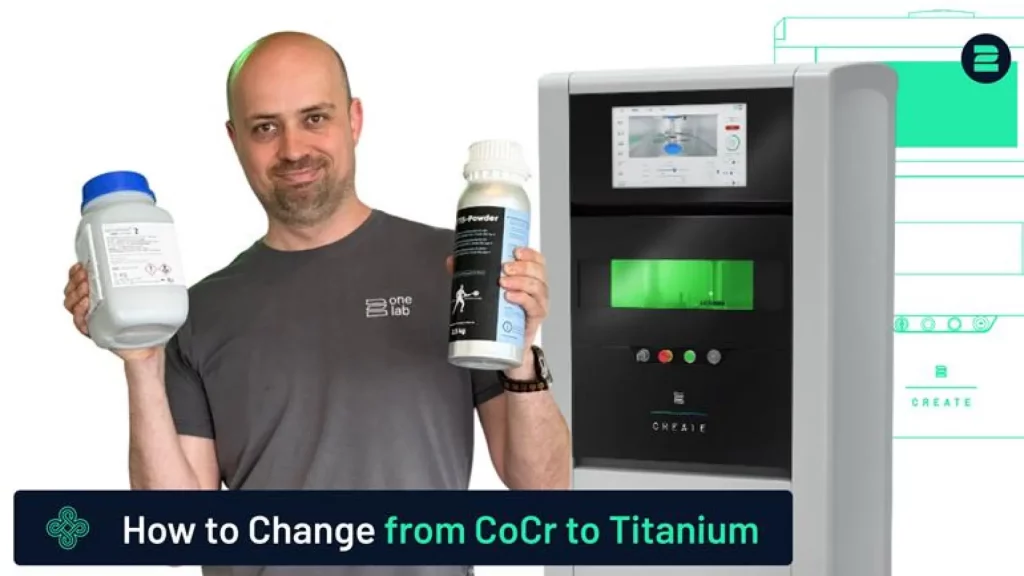
This tutorial gives a brief overview of operating the 2Create 3D Metal Printer. For detailed instructions, refer to the video tutorial below.
Sie sehen gerade einen Platzhalterinhalt von YouTube. Um auf den eigentlichen Inhalt zuzugreifen, klicken Sie auf die Schaltfläche unten. Bitte beachten Sie, dass dabei Daten an Drittanbieter weitergegeben werden.
Mehr InformationenInitial Setup
1. Gas & Power Connection:
- Connect the 6 mm gas tubing and attach the power plug.
- Turn on the main power switch (machine operates on 230V, 50Hz).
2. Boot & Safety Checks:
- Wait for the machine to boot (~90 seconds).
- Test the laser switch and emergency stop button.
Interior Overview:
Familiarize yourself with the interface to control the machine.
- Building Platform: For printing objects.
- Powder Reservoir: Contains metal powder.
- Circular Coater: Distributes powder.
Preparation for Printing:
1. Install Building Platform
- Secure it with positioning pins, aligning it to 1 mm above the base plate using the measuring gauge.
2. Replace Rubber Lip
- Remove and replace it with a new lip, securing it with a 2.5 mm Allen key or with the new turn screws.
3. Safety Equipment
- Wear protective suit, ESD shoes, gloves, and a breathing mask.
4. Powder Filling
- Attach the overflow bottle, open the valves, and carefully fill the reservoir. Distribute powder evenly with a plastic card.
Printing Process
1. Inert Gas Filling
- Fill the chamber and filter with nitrogen, ensuring oxygen levels are below 1% (chamber) and 2% (filter).
2. Load Job File
- Upload your G-code to calculate required powder.
3. Start Print
- Activate the laser, confirm settings, and press Start.
Post-Printing Steps
1. Remove Object
- Wear safety equipment. Lower the powder platform and clean off excess powder.
2. Chamber Cleaning
- Vacuum remaining powder for recycling/disposal.
3. Post-Processing
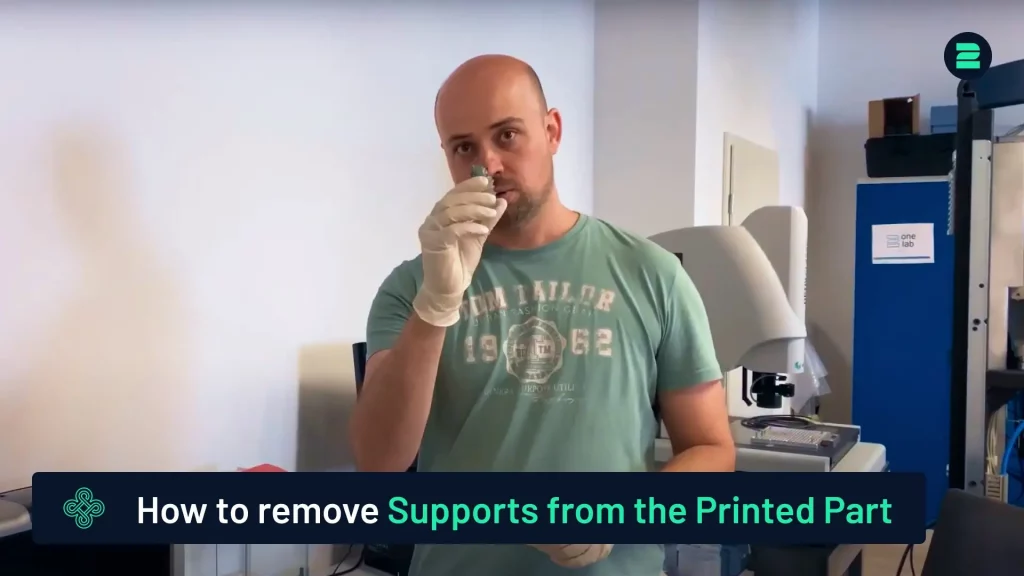
- Heat treat in an oven, remove the 3D printed part from the building platform with a bandsaw,remove the supports, and finalize the part.
By following these steps, you’ll be able to operate the 2Create 3D Metal Printer safely and efficiently—from initial setup to final post-processing—ensuring high-quality results every time.
Advanced Metal 3D Printers
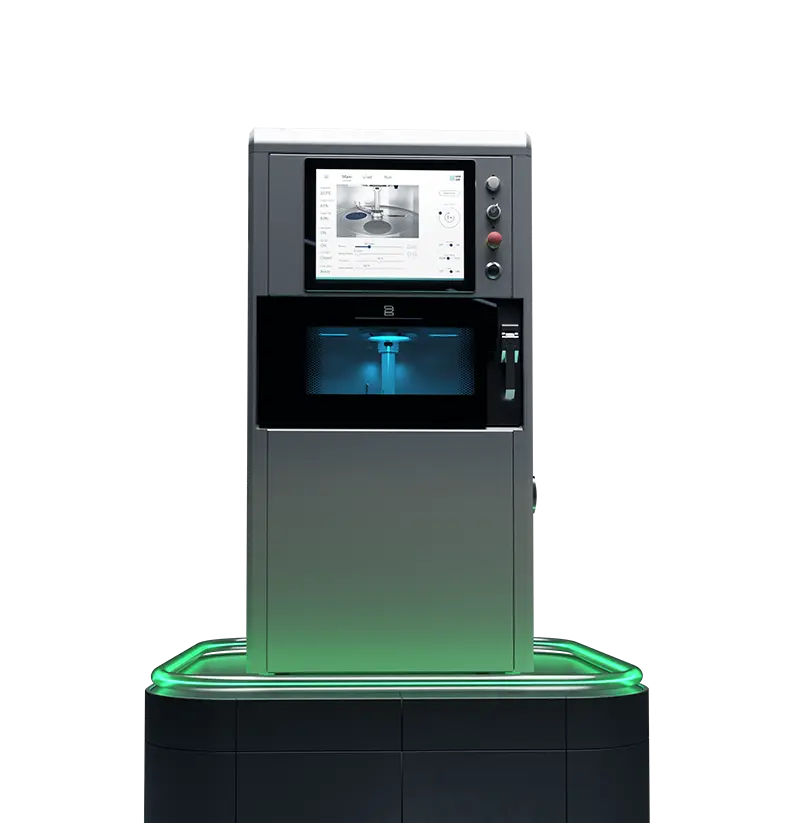
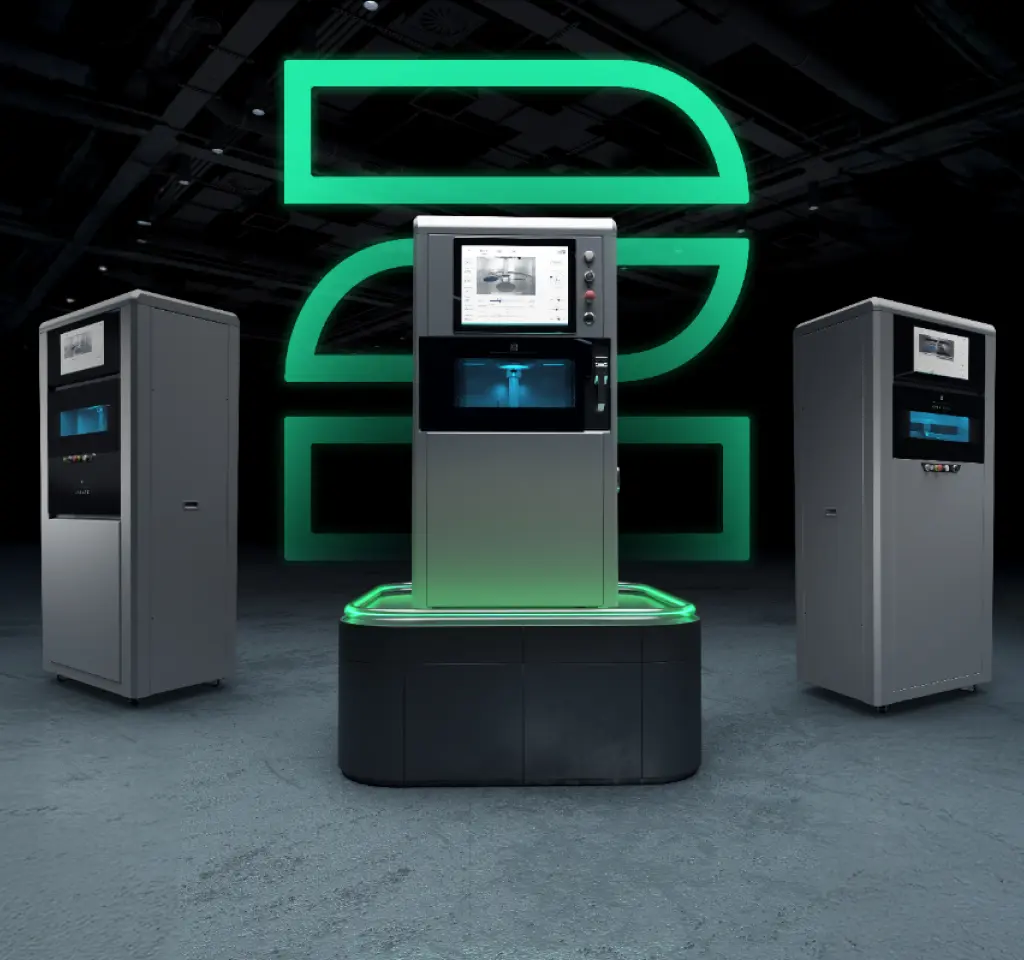
Choose 2onelab – with the 2Create/2Create Plus and 2Create Desktop metal 3D printers for dental, medical, industrial, and R&D use.
Boost quality, cut costs, and work faster – powered by cutting-edge tech and real-world expertise.